 Pitis POS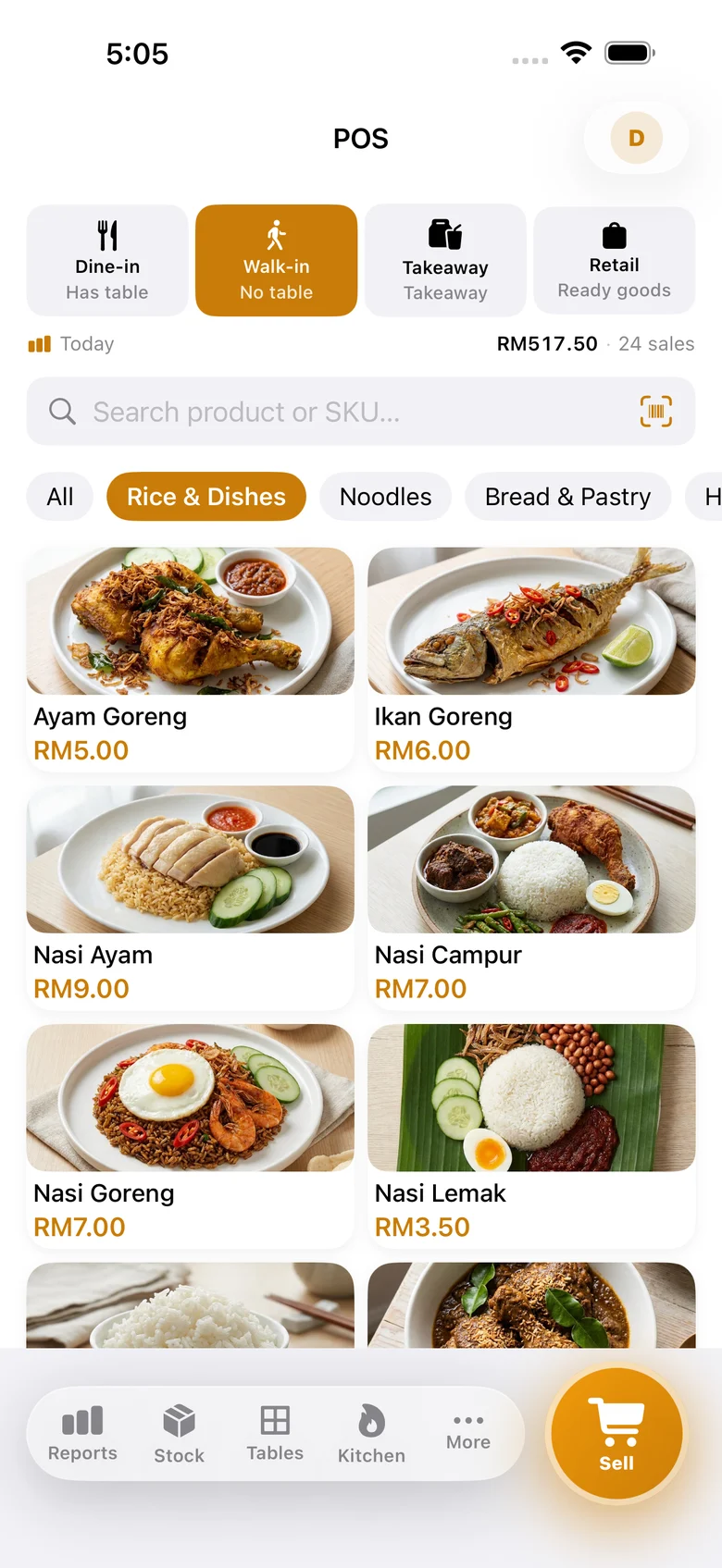
Stop Losing Orders to a Notebook.
Run your restaurant from one phone.
Take orders, send them straight to the kitchen, accept DuitNow QR or cash, and print the receipt — all in one app. Free during beta.


Works offline • No credit card • Set up in 5 minutes
Everything Your Restaurant
Needs, In One App.
From the counter to the kitchen — Pitis POS covers the entire flow of running a restaurant.
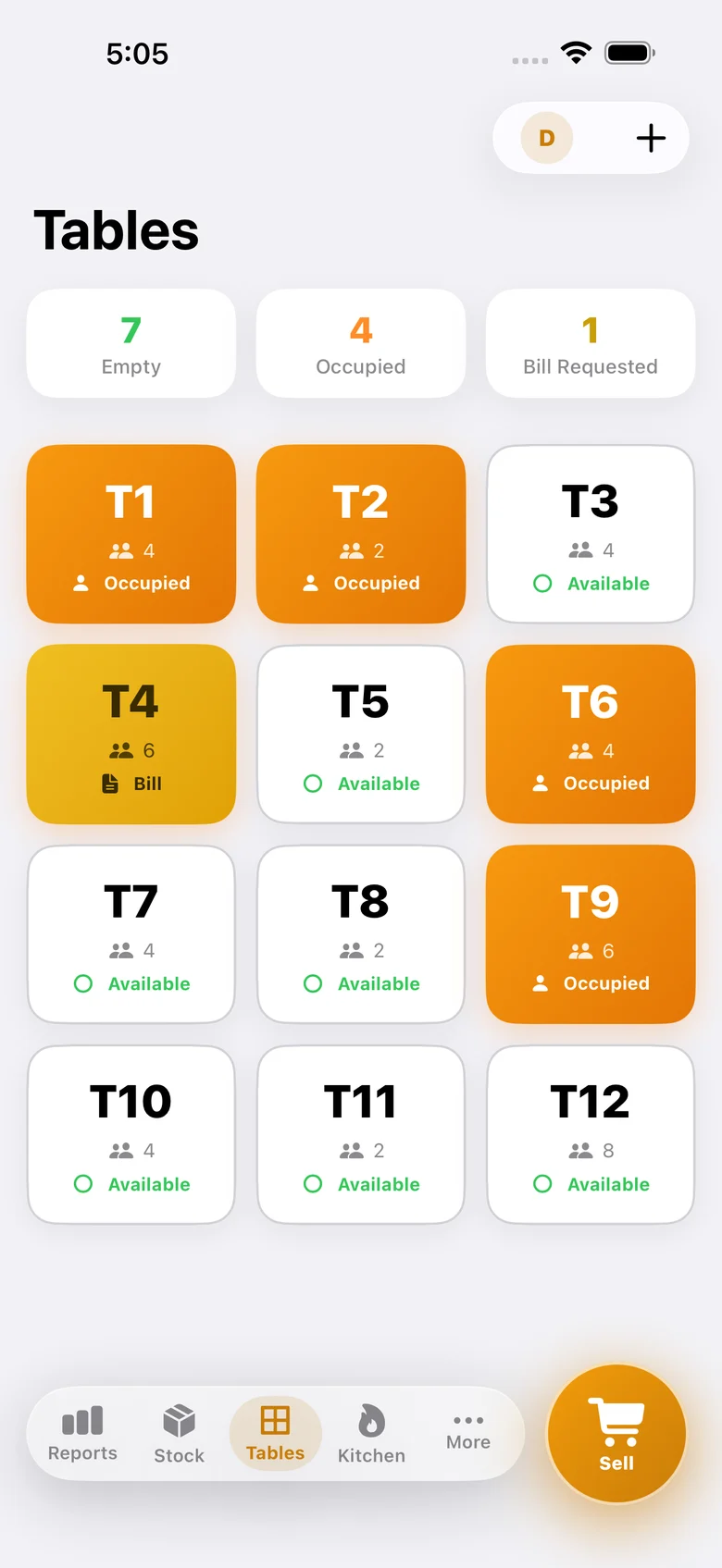
Know instantly which tables are occupied, available, or waiting for the bill — no more walking around to check.
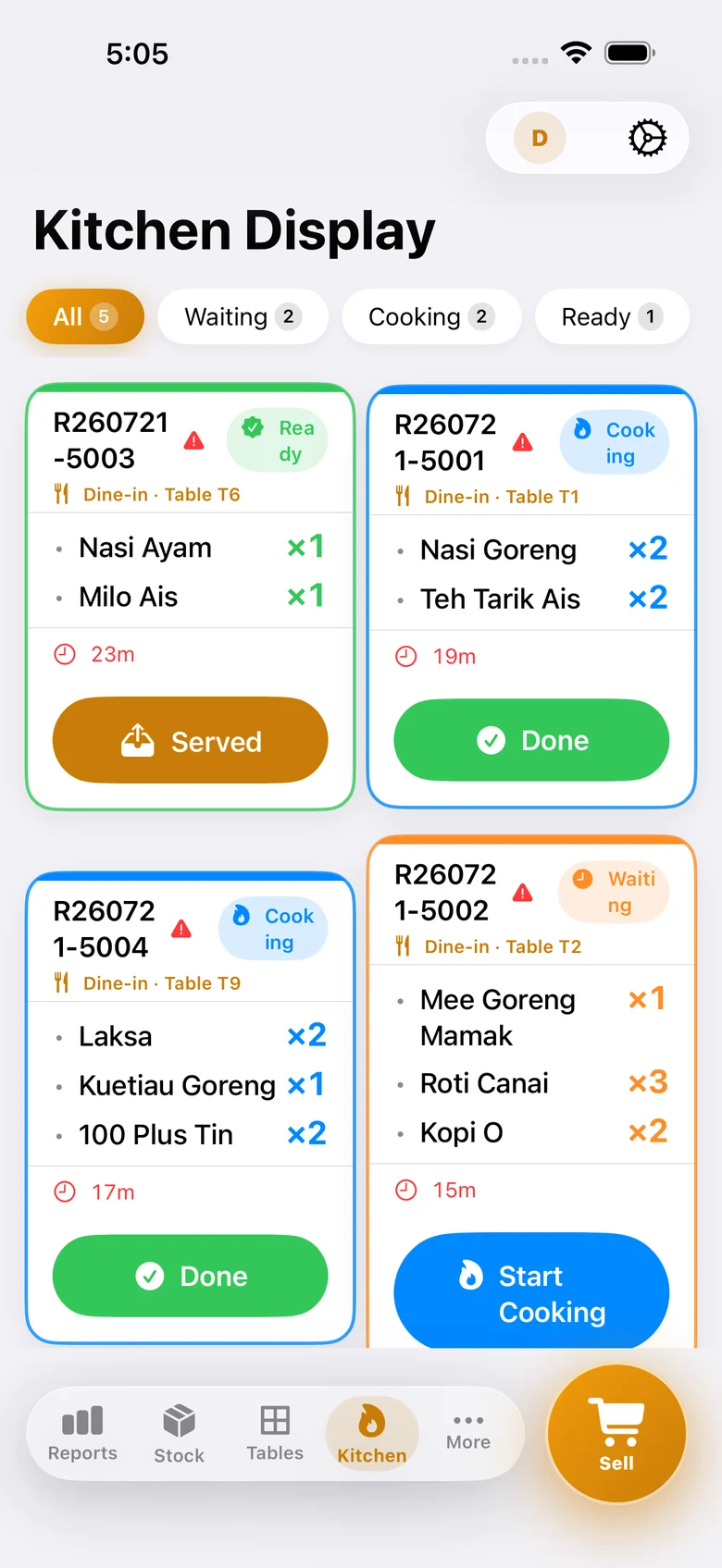
Orders go straight from the counter to a screen in the kitchen. No shouting across the room, no lost tickets.
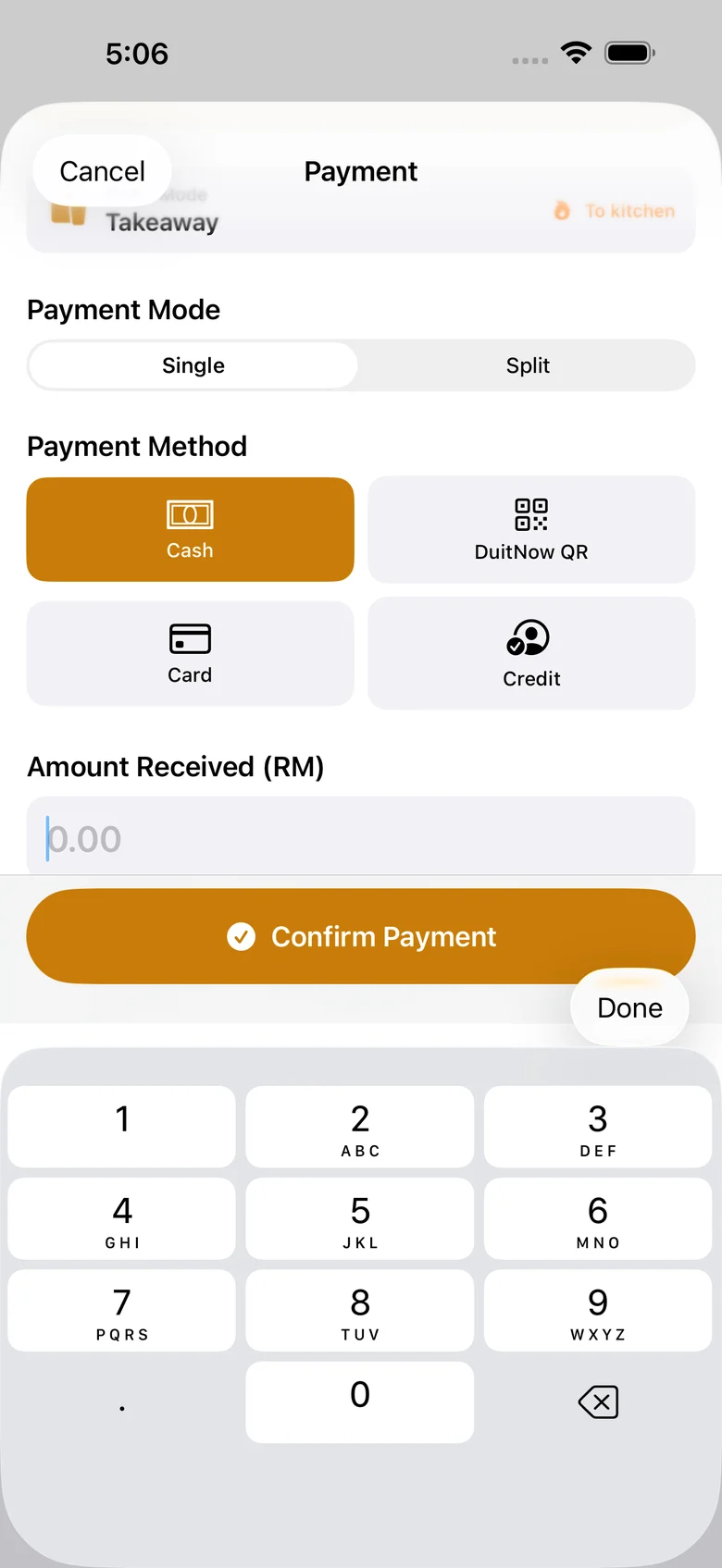
Accept every way your customers want to pay, all from the same checkout screen.
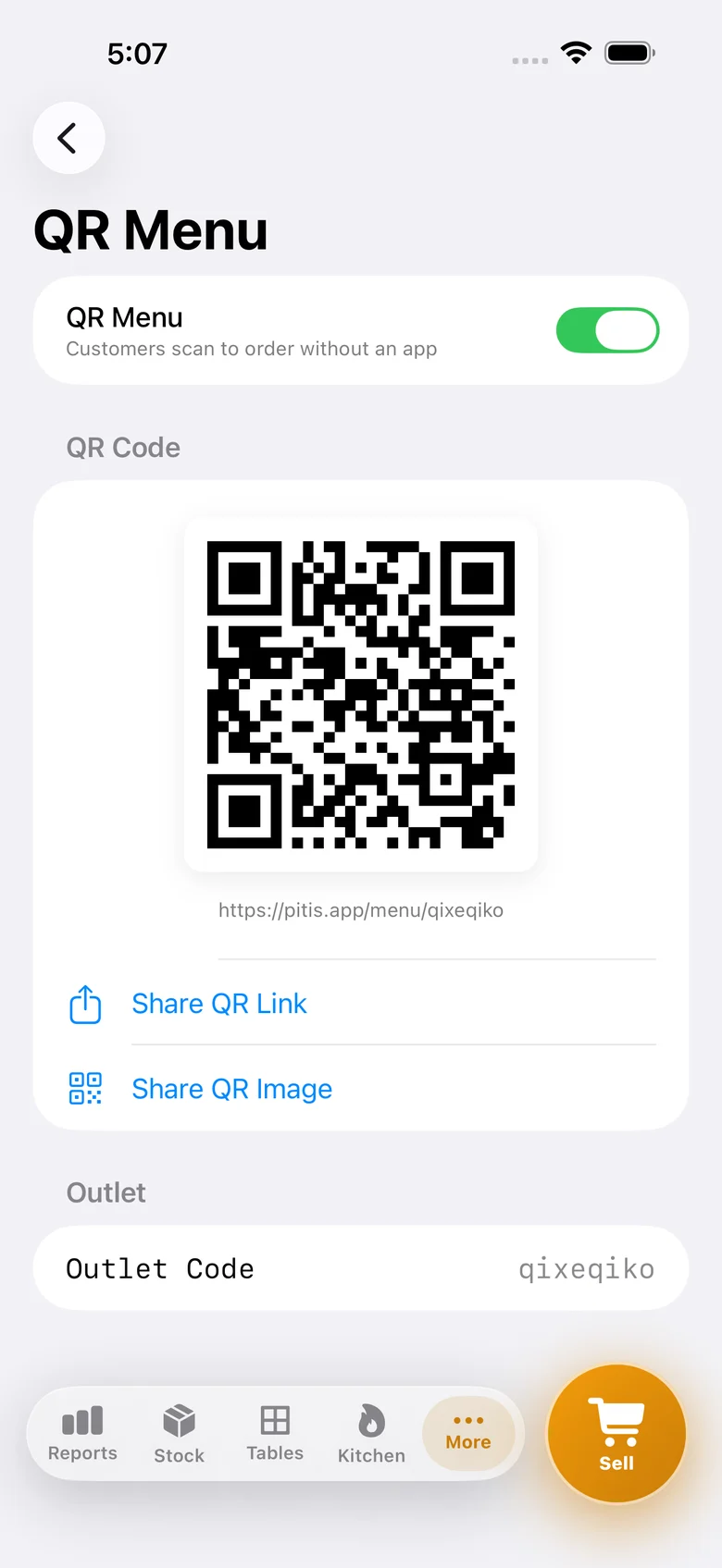
Print a QR code per table. Customers scan, order from their own phone, and you just collect payment.
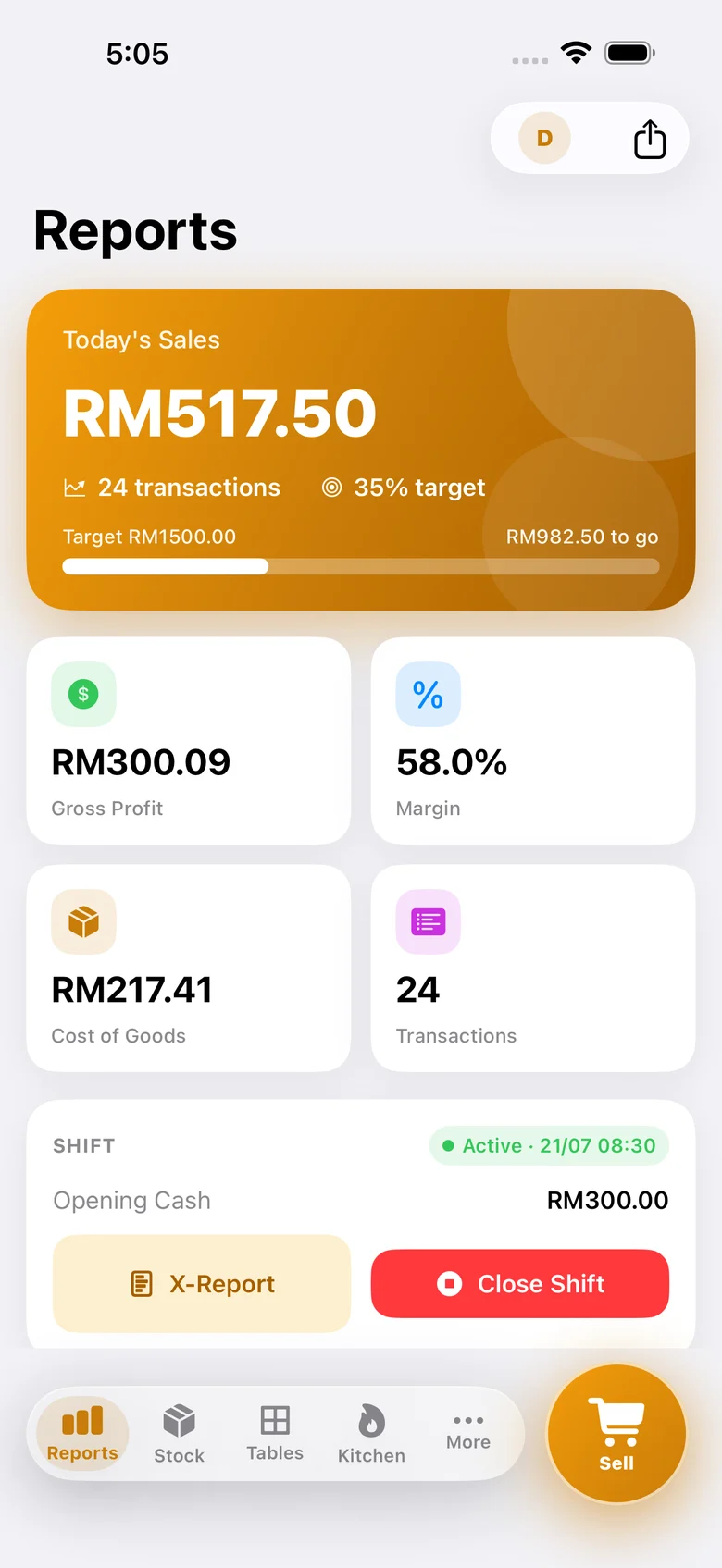
See today's sales, profit margin, and payment breakdown — updated live, no spreadsheet needed.
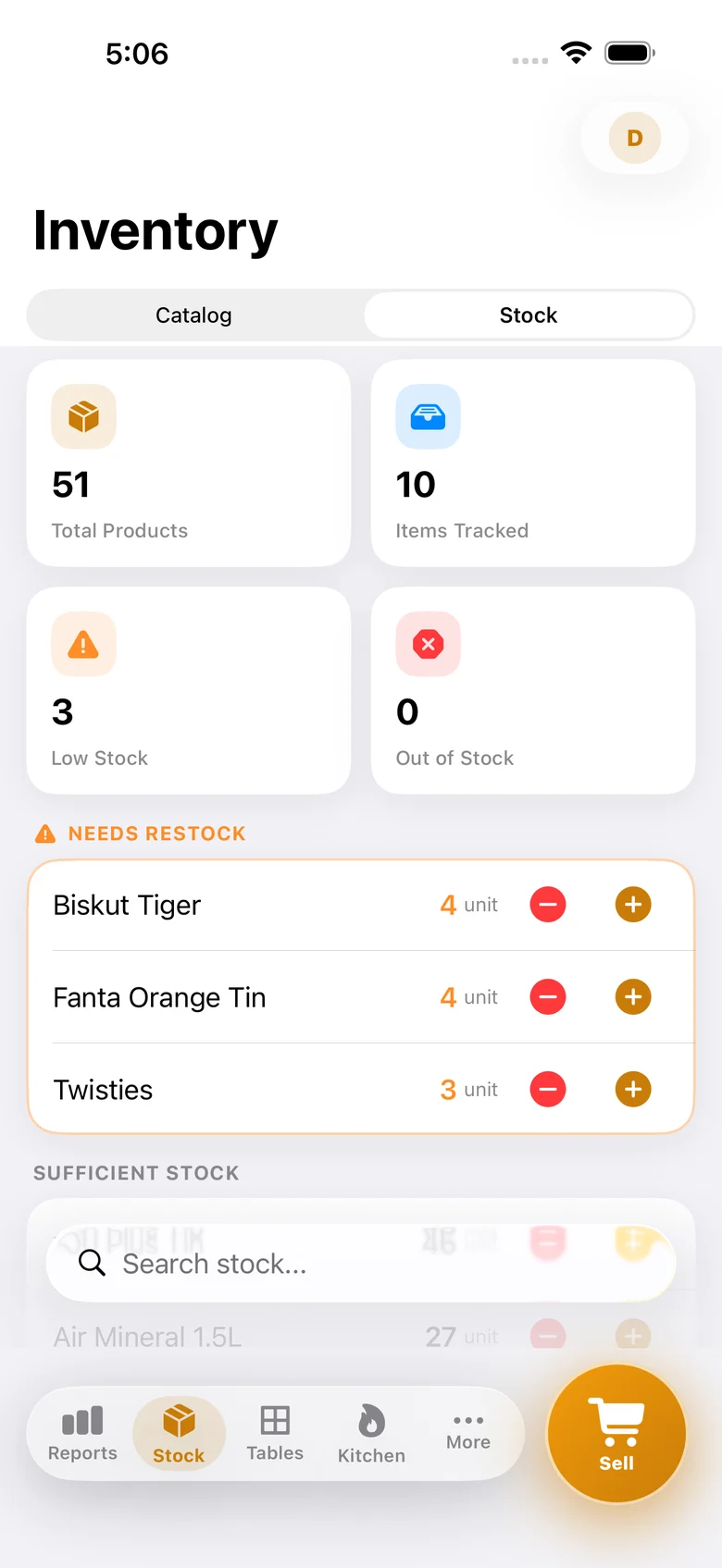
Get a low-stock alert before an ingredient or item runs out completely.
A Real Native App.
iOS & Android.
Not a web page dressed up as an app. Pitis POS is built natively on each platform — Swift & SwiftUI on iPhone and iPad, Kotlin & Jetpack Compose on Android.
- Works on iPhone, iPad, and Android phones and tablets — one app, optimized for each screen
- Smooth and fast — no lag, no loading spinners, no web-wrapper feel
- Deep hardware access — Bluetooth thermal printer, camera barcode scanner
- Fully offline — your data lives securely on your device, not a shaky server
- A tablet's bigger screen doubles as a counter display or Kitchen Display Screen
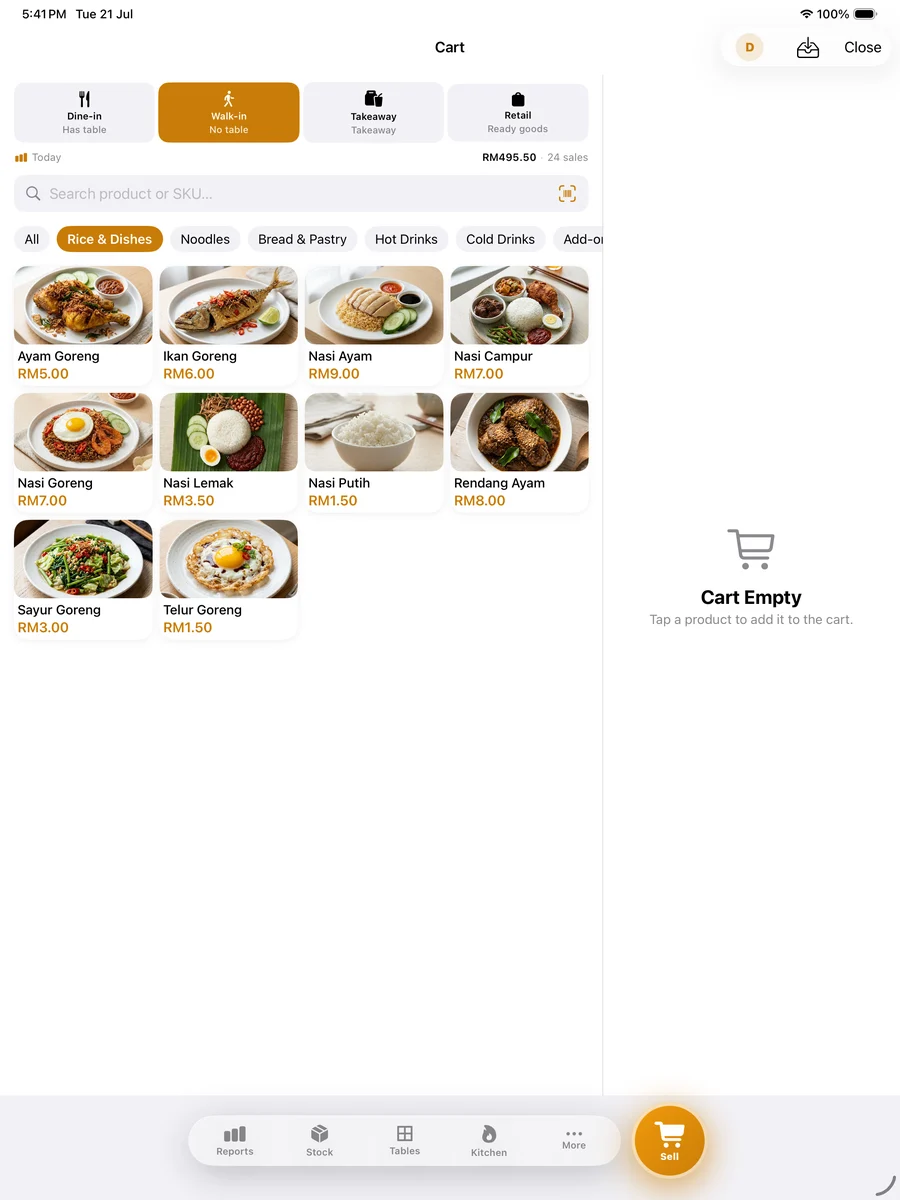
Start in 3 Steps.
No courses. No paid setup. Download and start selling today.
Ready to Run Your
Restaurant Better?
Download Pitis POS free on the App Store or Google Play. Set up in 5 minutes — no credit card, no contract.