Now on the App Store & Google Play — Free during beta, all features, no limits.— No credit card. No contract.
Native iOS & Android POS — Malaysia

POS App for
Small Businesses.

Free during beta. All features included.

Take orders, manage inventory, track shifts, print receipts — all in one app. Set up in 5 to 15 minutes. Works offline. No technician needed.

No credit card • 5–15 min setup • Offline ready
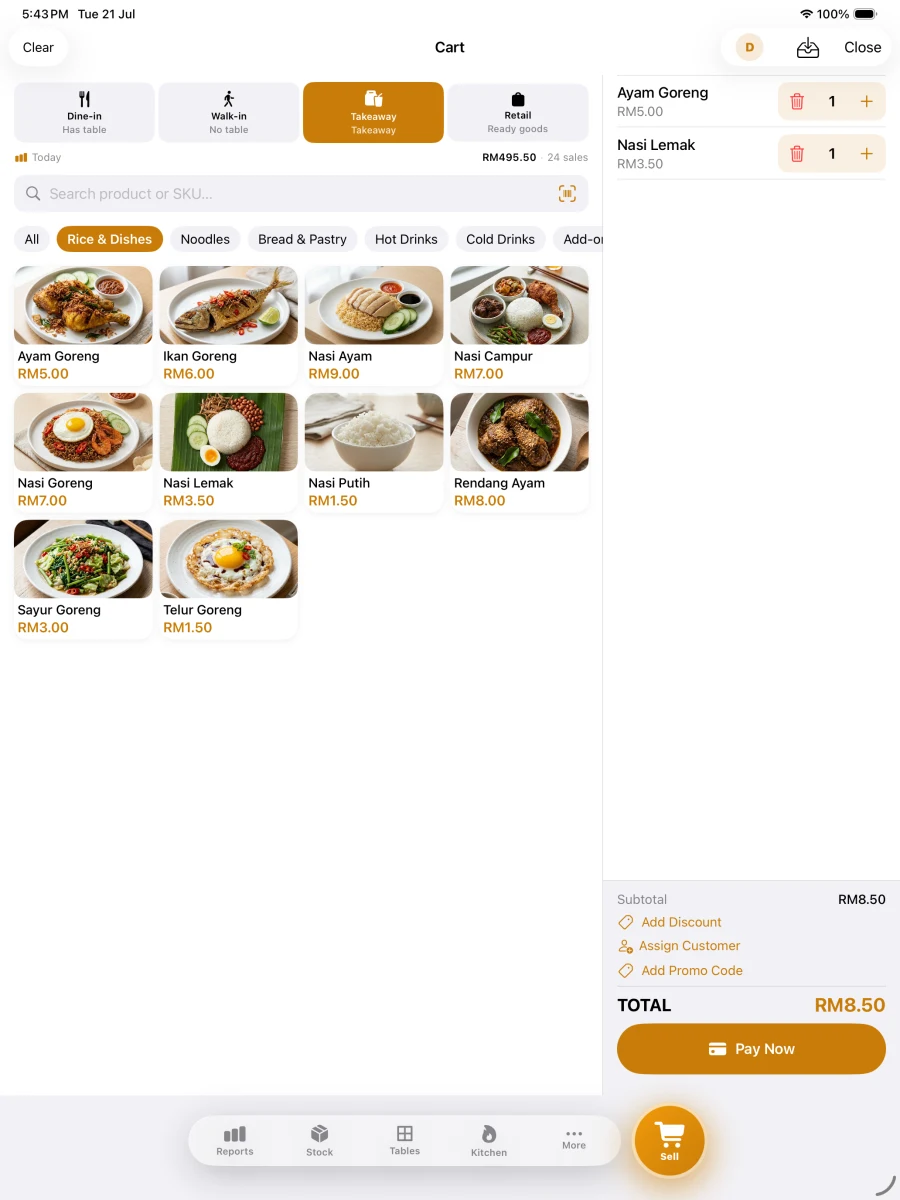
Pitis POS order screen on iPad — real in-app screenshot
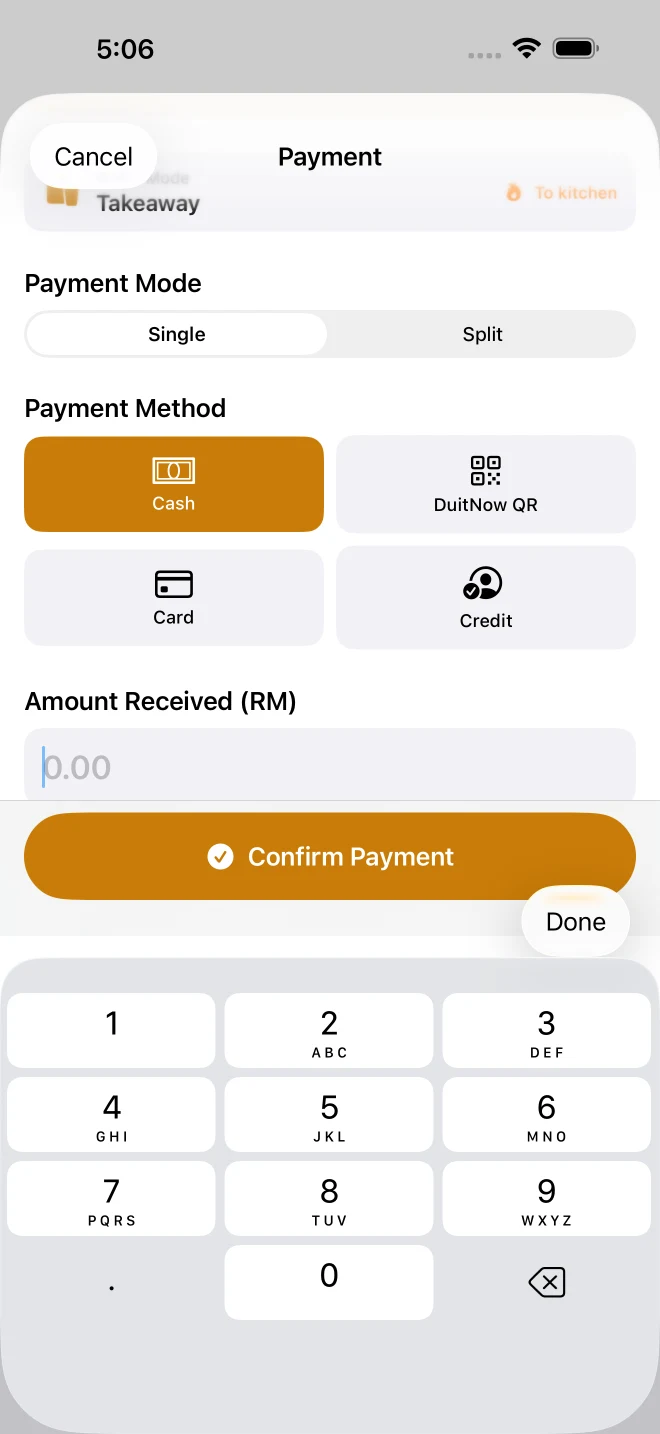
Pitis POS payment screen on iPhone — real in-app screenshot
Platform
iOS & Android
Setup
5 to 15 Minutes
Offline
Works Without Internet
Price
Free during Beta
Security
Stored Securely
Receipt
LHDN Receipt Fields
Platform
iOS & Android
Setup
5 to 15 Minutes
Offline
Works Without Internet
Price
Free during Beta
Security
Stored Securely
Receipt
LHDN Receipt Fields

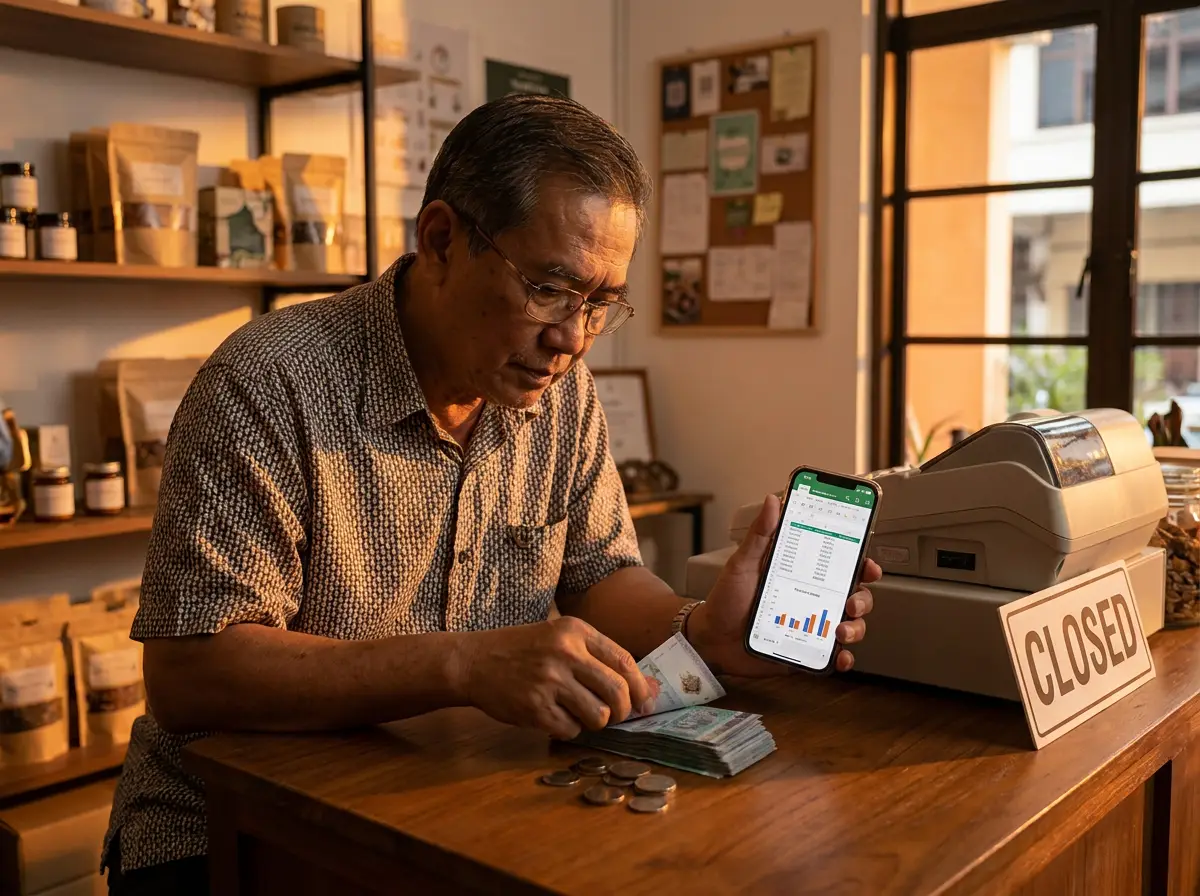
Built for business owners,
not for IT.

We understand the daily challenges of Malaysian business owners — from the morning rush to the long nights.
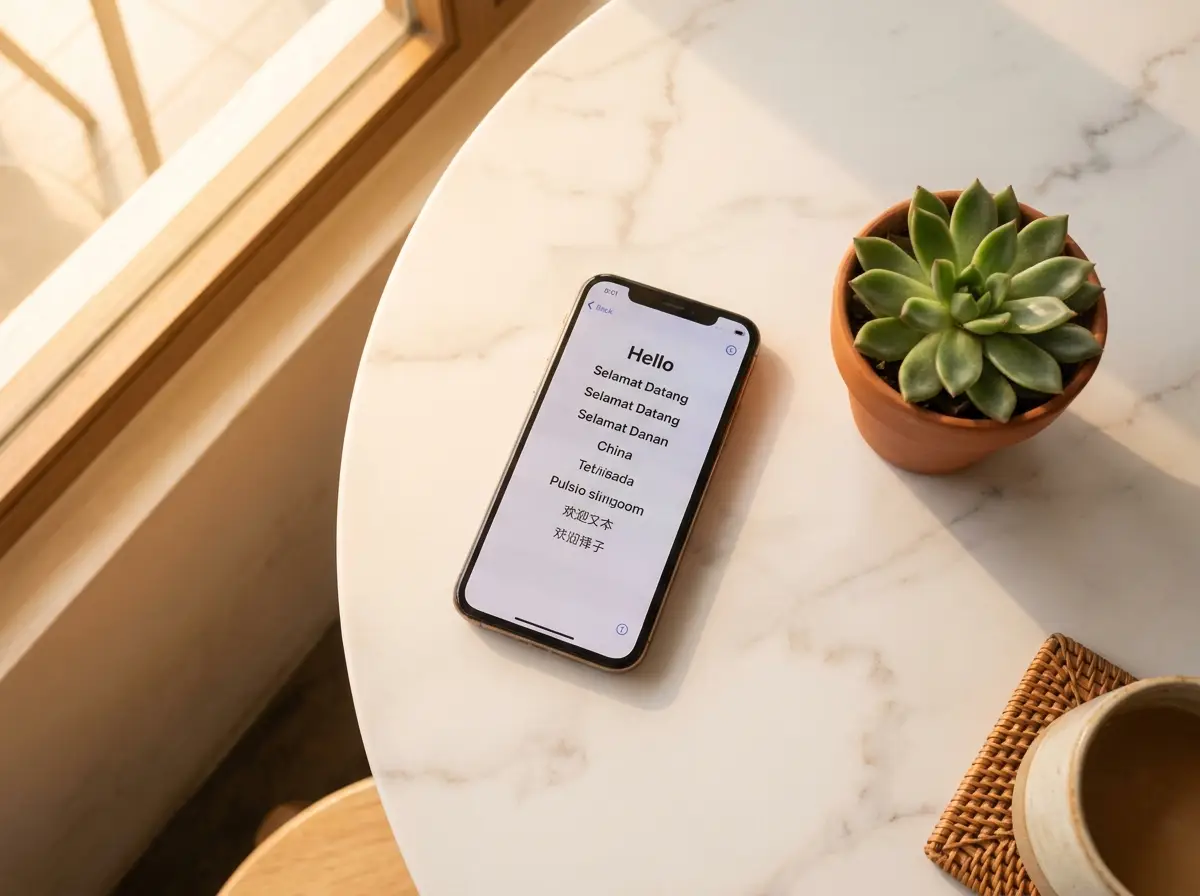
Set up POS in 5 to 15 minutes

Set up in 5 to 15 minutes

Open the app, add your products, start selling. No technician, no training course, no stress.
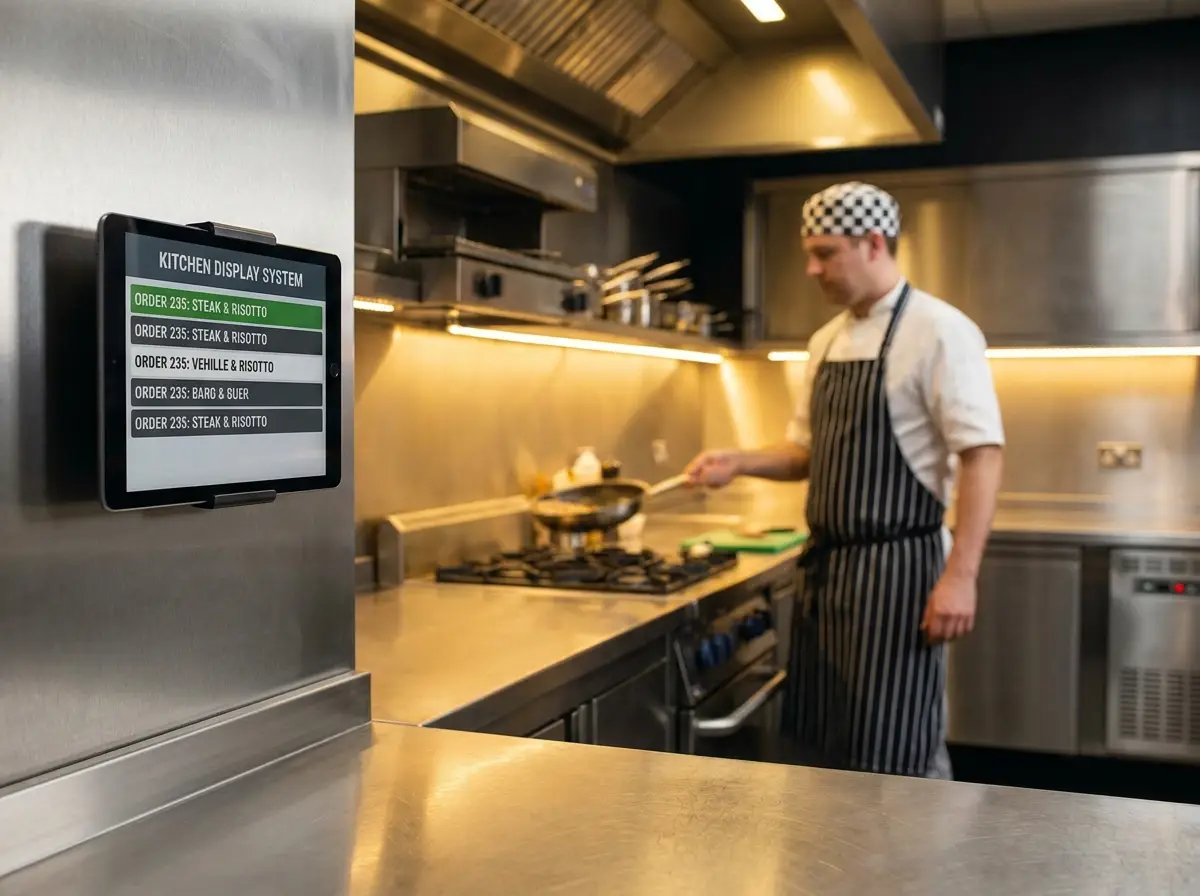
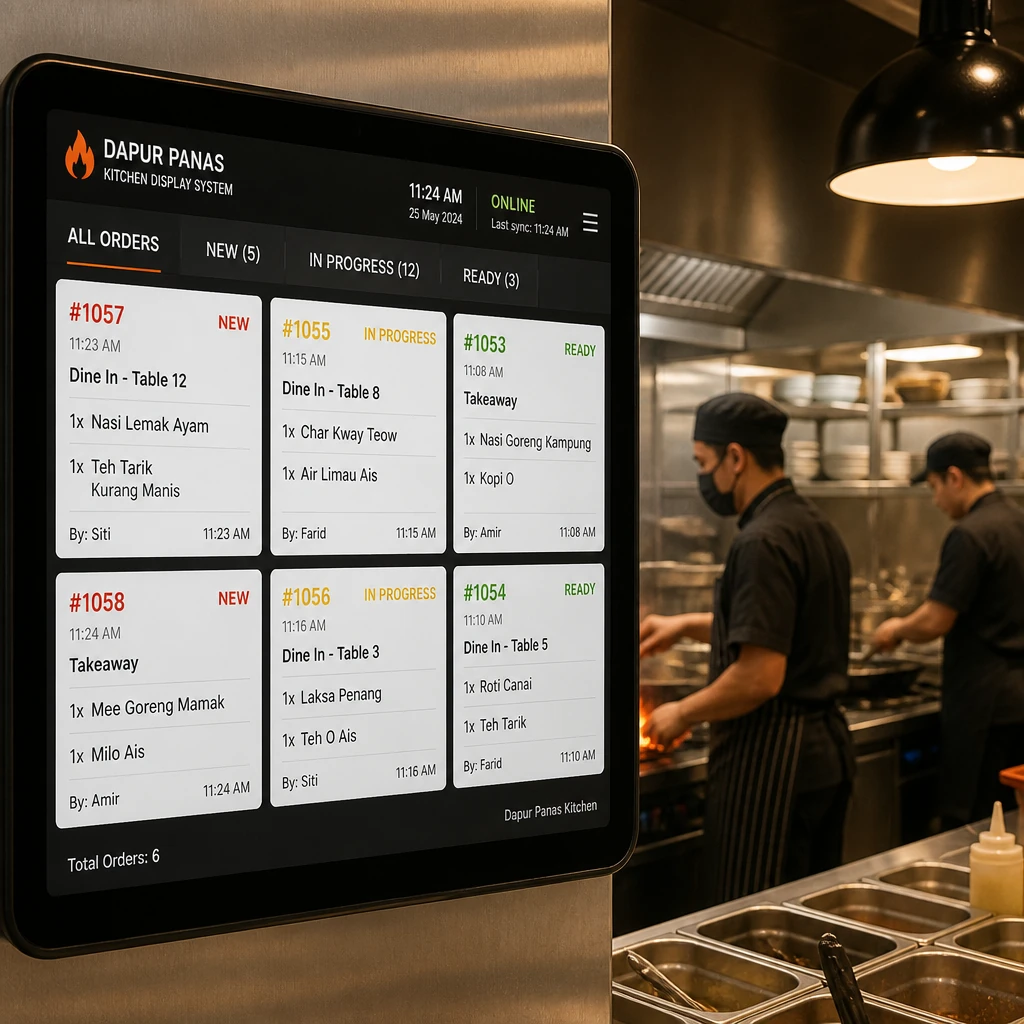
Kitchen Display System realtime

Kitchen always organised

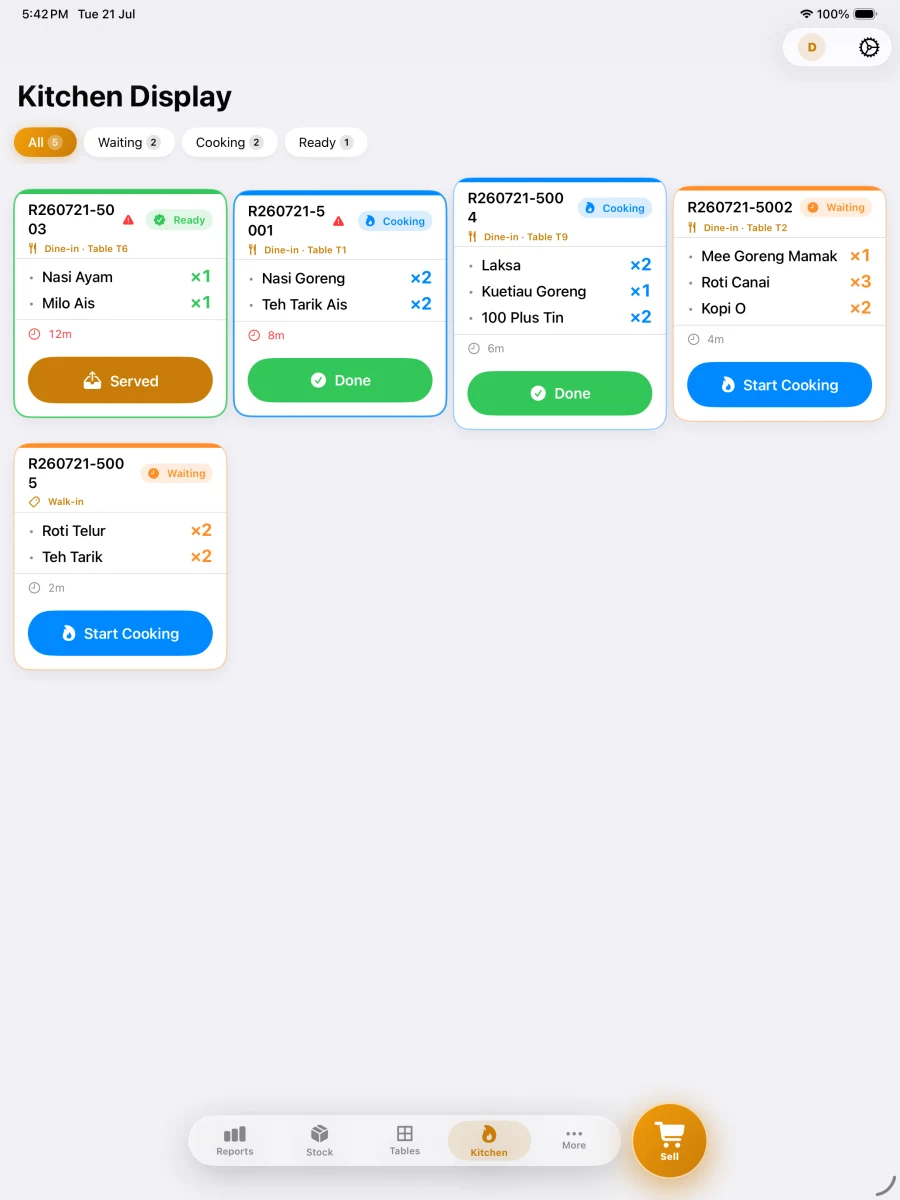
Kitchen Display System — orders appear automatically, no confusion from paper tickets.

Offline mode — POS keeps running

Offline still works

Internet down? POS keeps running. Every sale and product is saved securely on your device — no internet required.

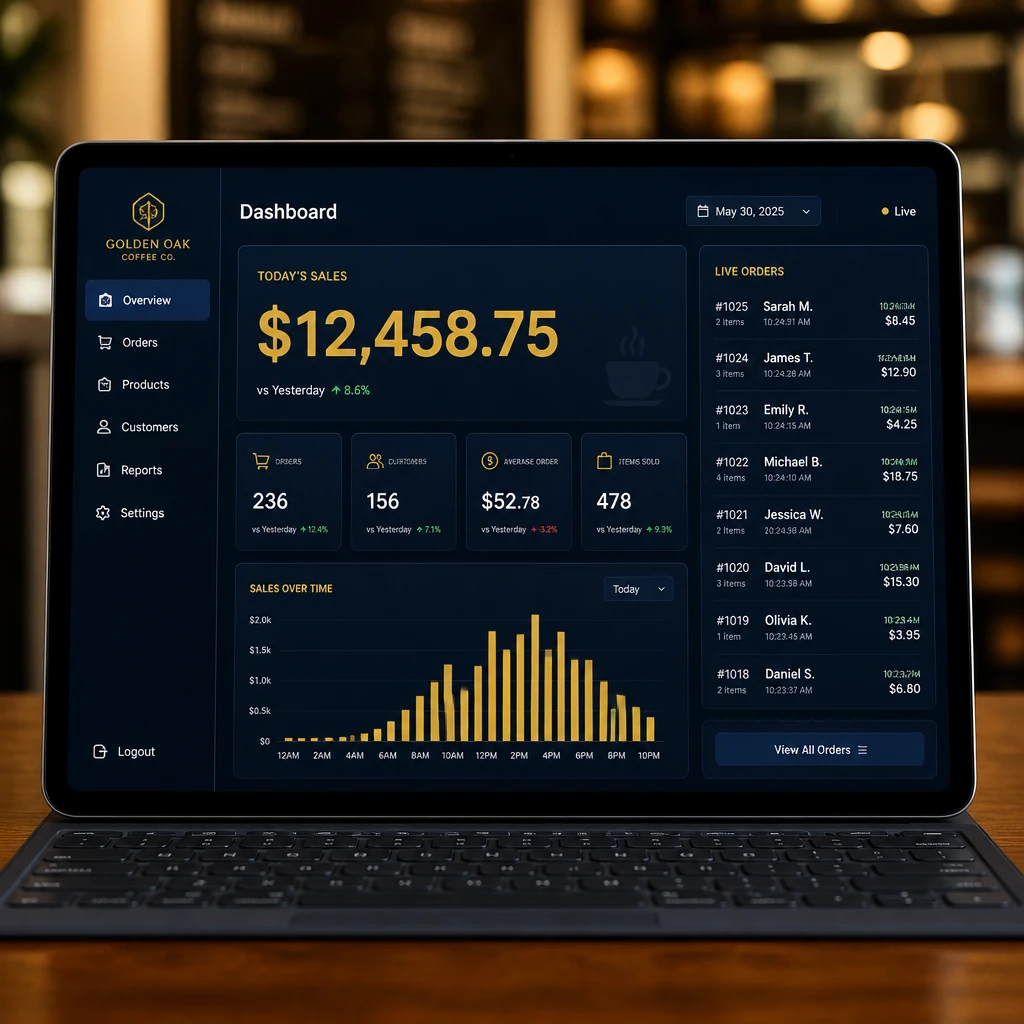
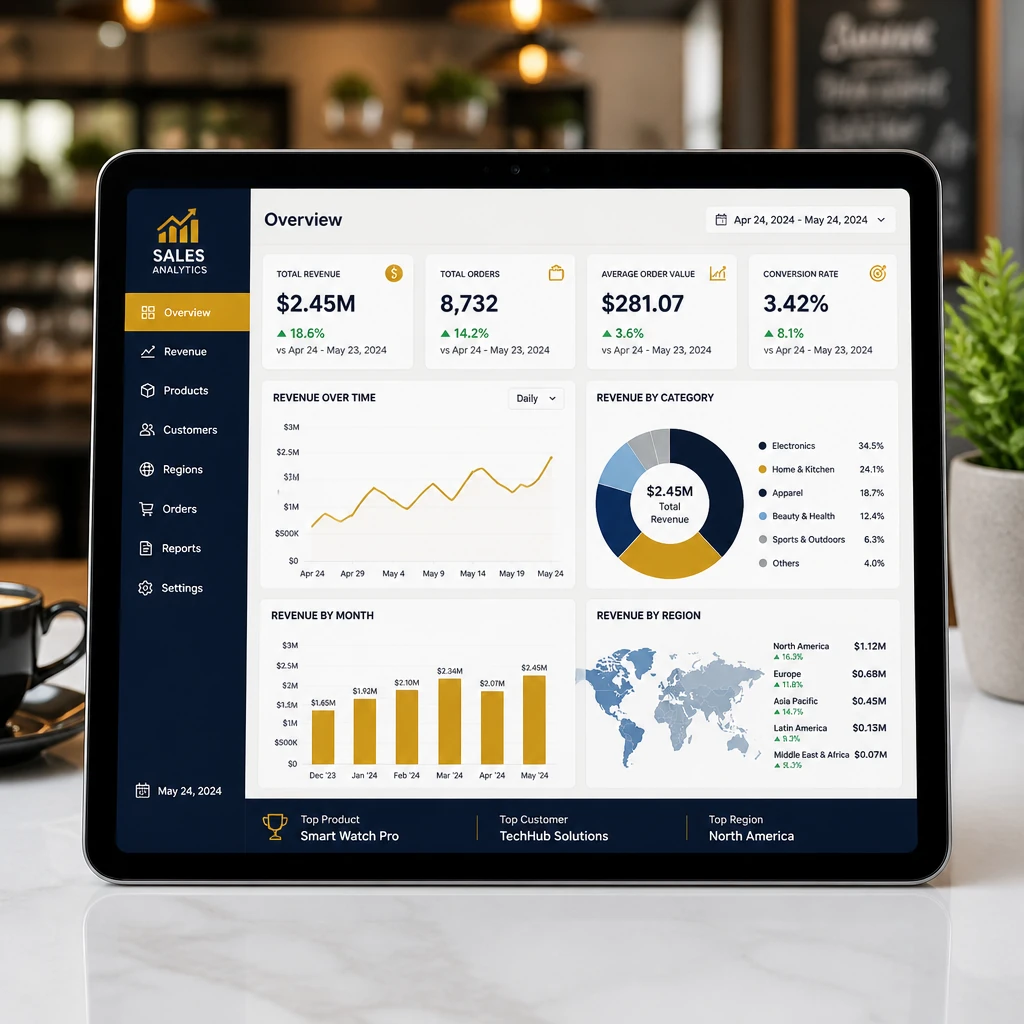
Sales reports at your fingertips

Reports at your fingertips

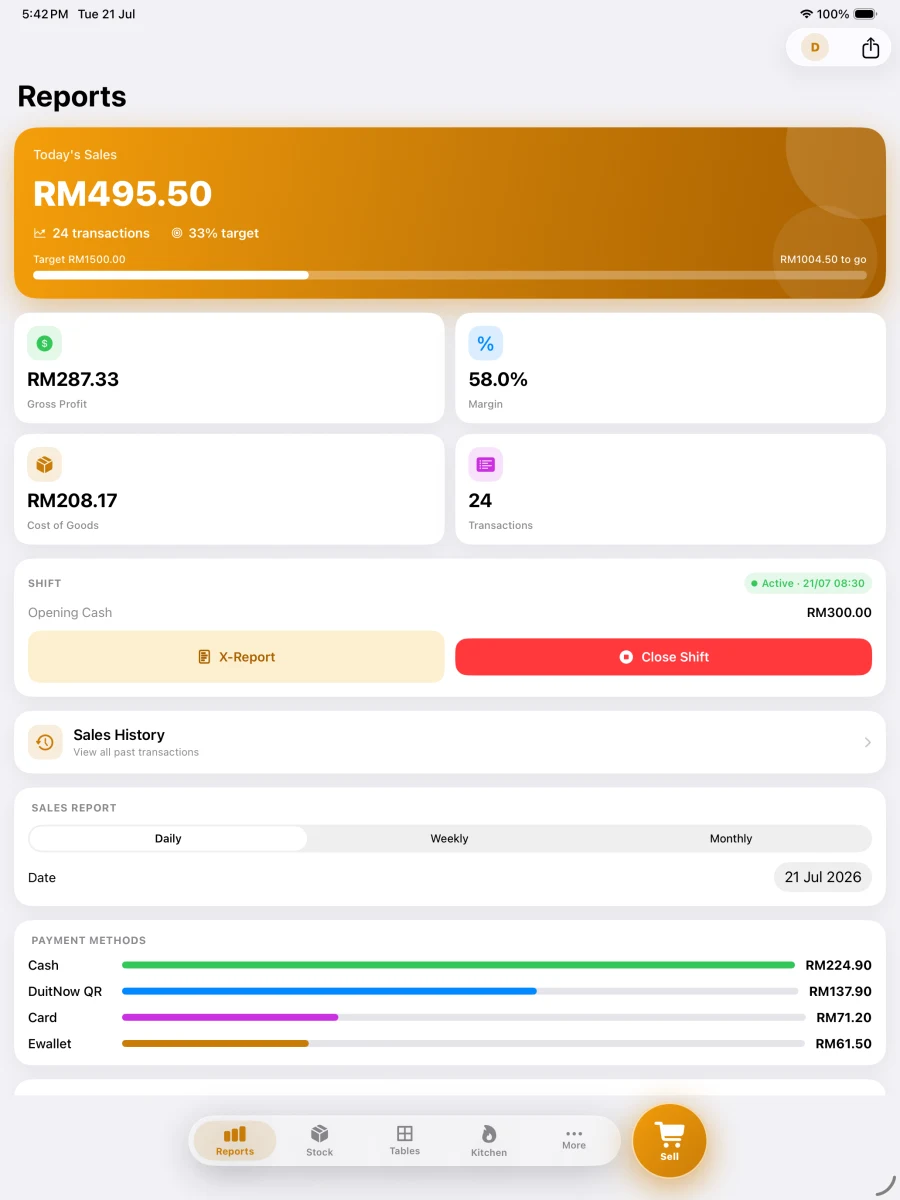
Daily, weekly, monthly sales — from anywhere, anytime. Export CSV to Excel.
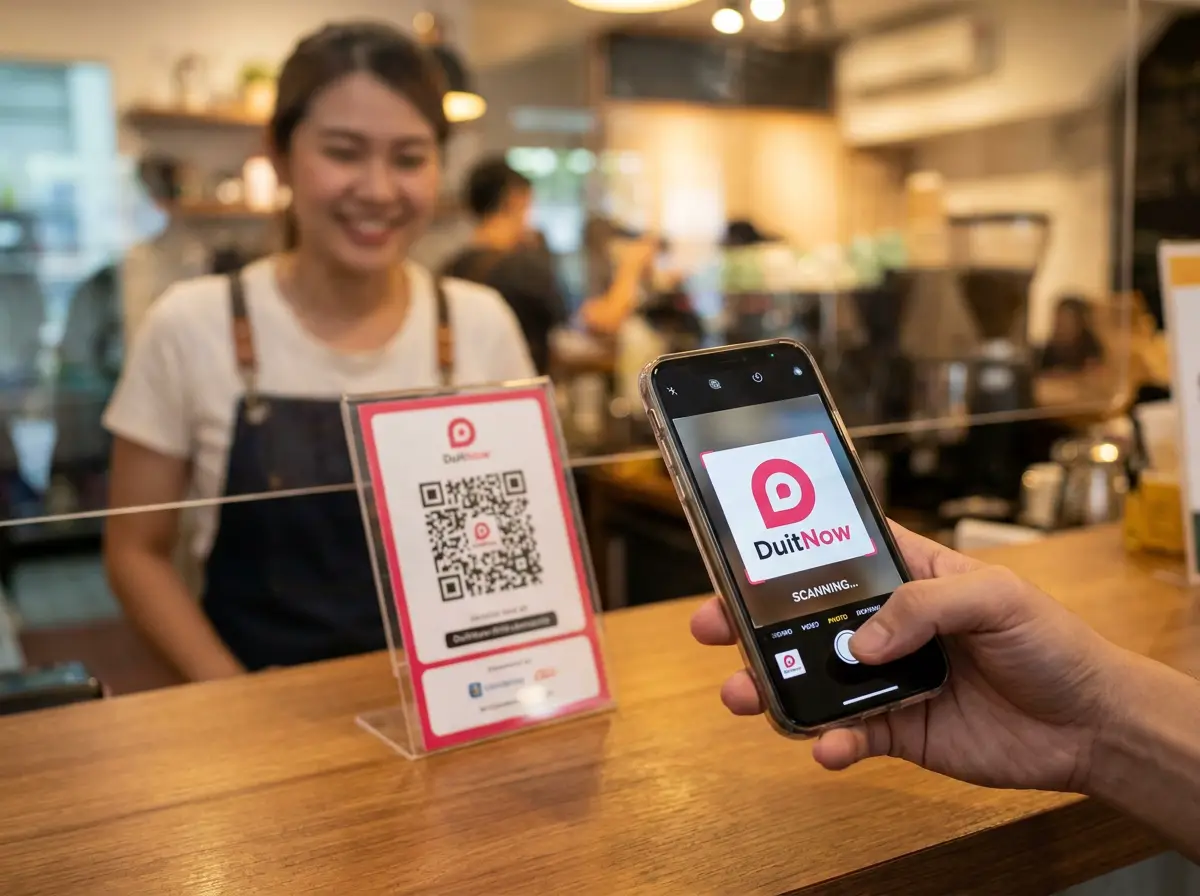
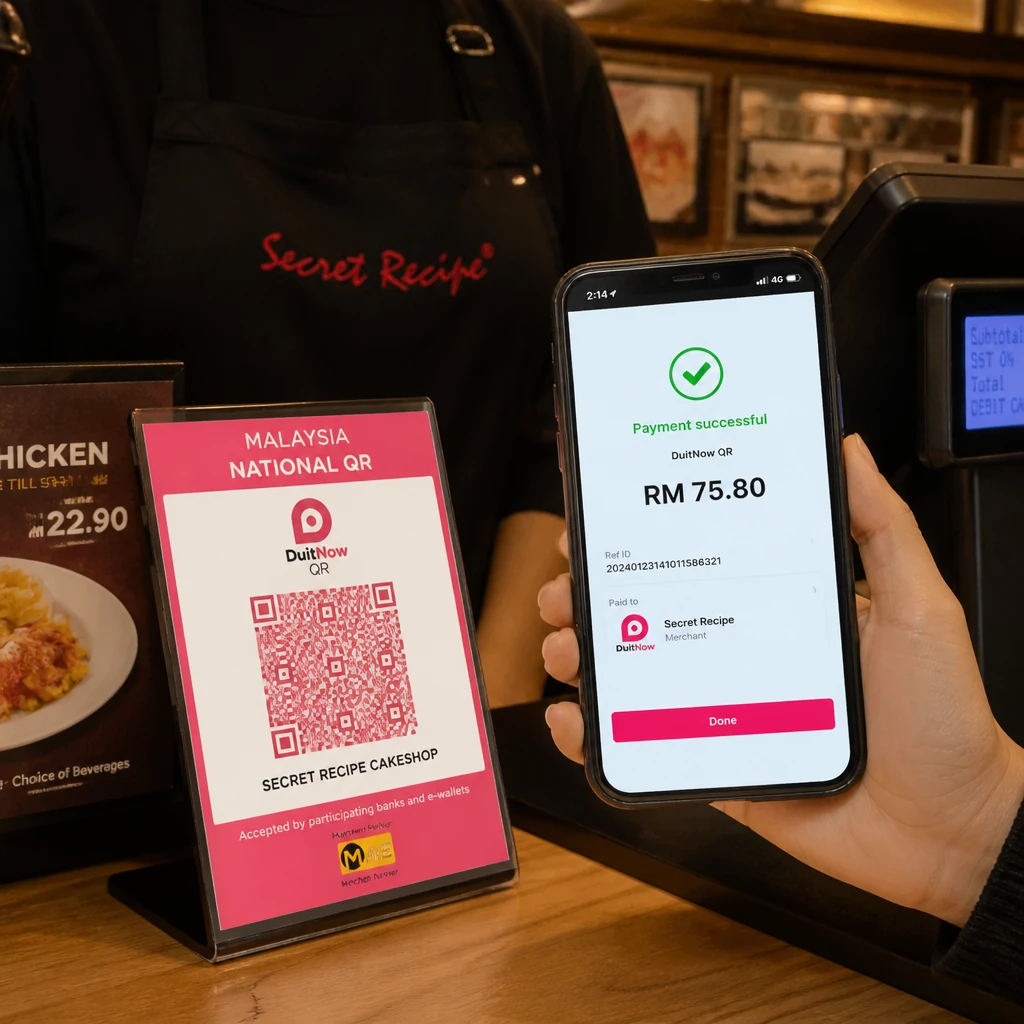
DuitNow QR payment

DuitNow & multiple payments

DuitNow QR, cash, card — customers pay their way, you accept them all.
Pitis POS on iPhone, iPad and Android devices

iPhone, iPad & Android

Built natively for iPhone, iPad, and Android phones and tablets. Fast, smooth, and reliable — no web wrapper.

Swipe for more

POS System

From order to
payment in seconds.

Dine-in. Takeaway. One screen.

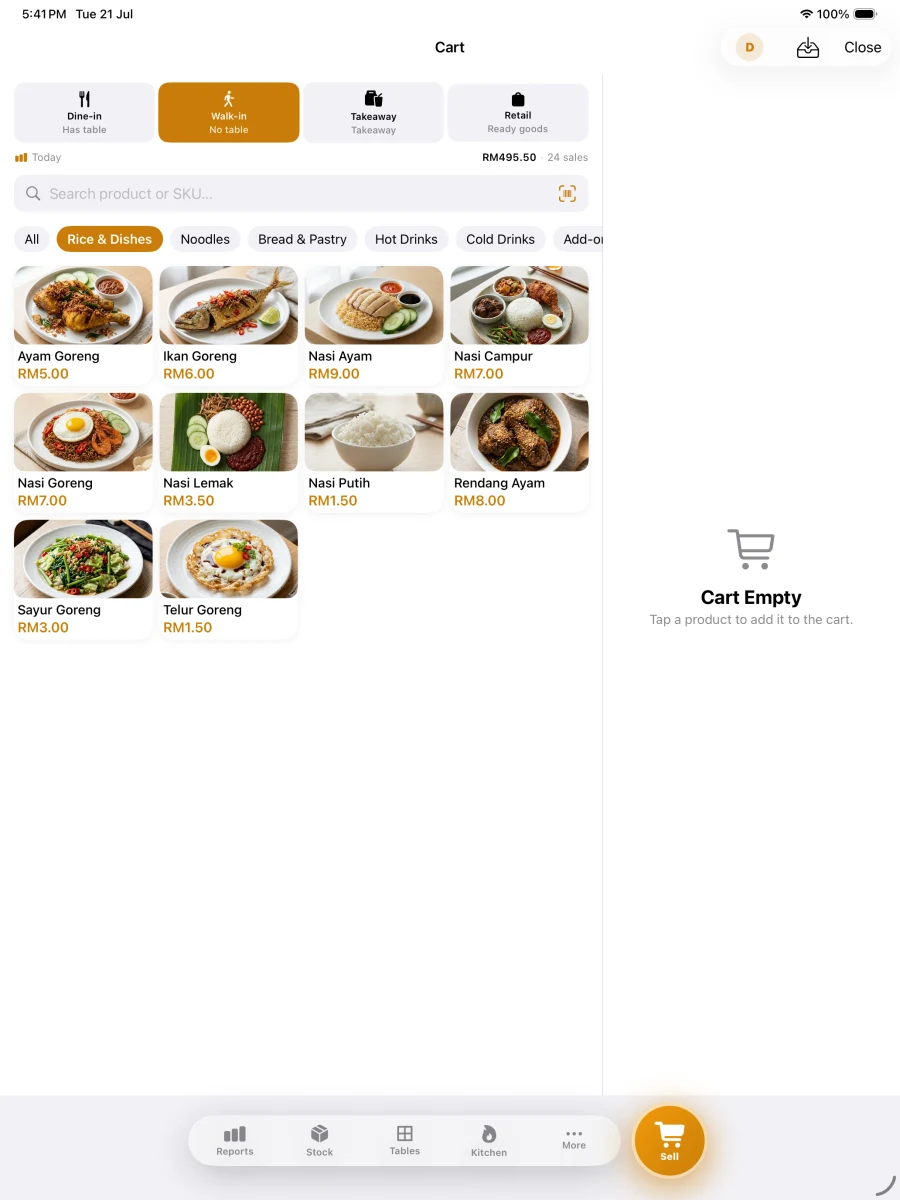
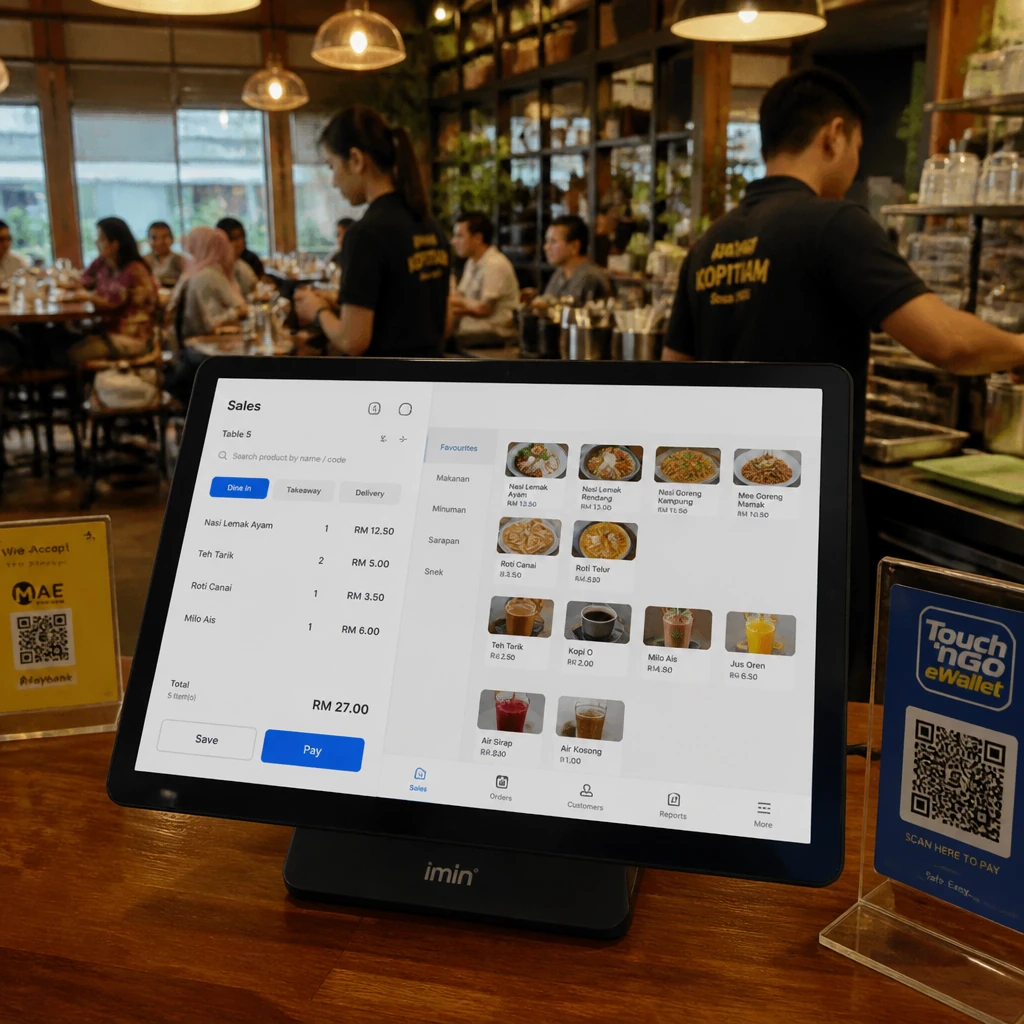
Search product, tap to add, collect payment — done. Supports cash, card, and DuitNow QR. Auto-print 80mm thermal receipt with every sale.

  • Dine-in & Takeaway in one screen
  • Cash, Card, DuitNow QR
  • LHDN-compliant receipt on every sale
  • 80mm Bluetooth thermal auto-print
  • Full offline — no internet needed
Download on the App StoreGet it on Google Play
Pitis POS running on iPad — POS & Menu
Pitis POS running on iPad — Checkout & Payment
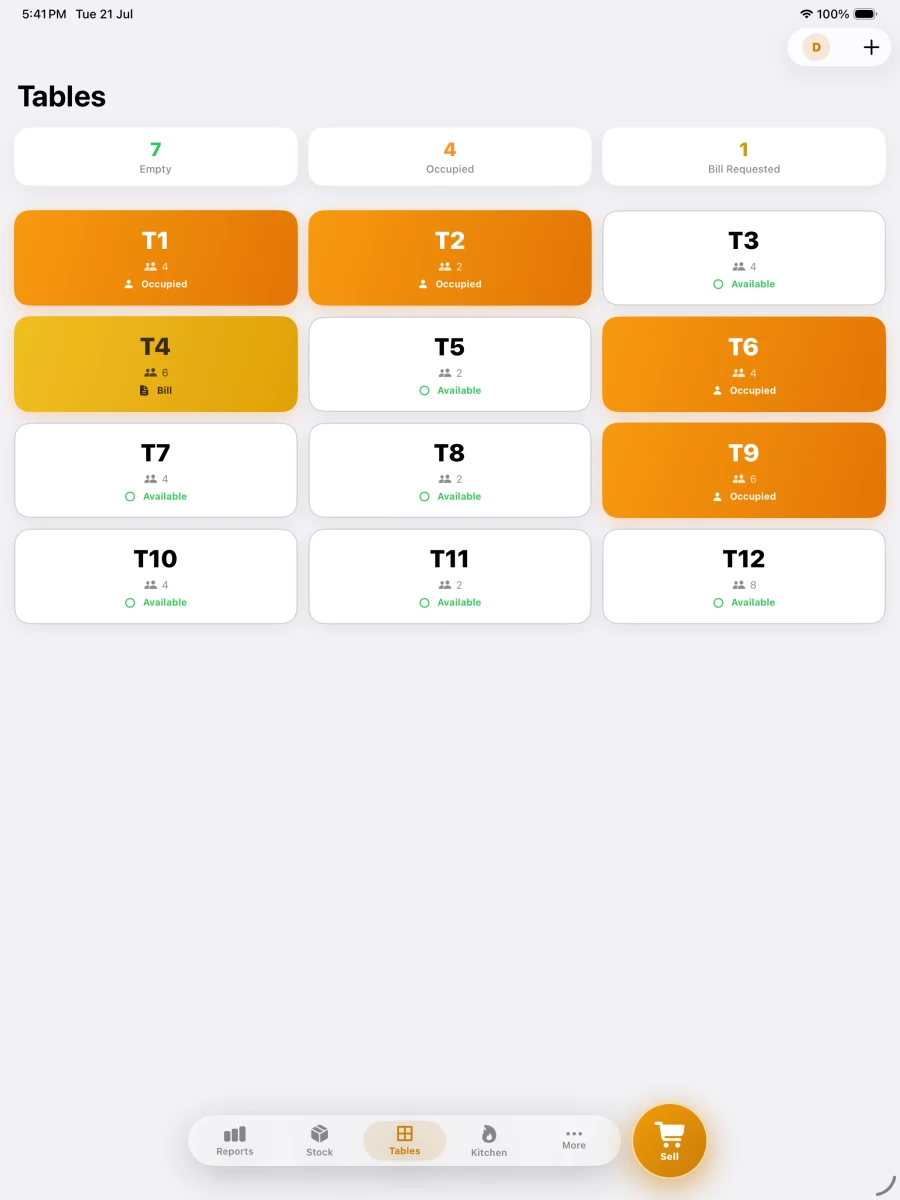
Pitis POS running on iPad — Table Management
Pitis POS running on iPad — Kitchen Display
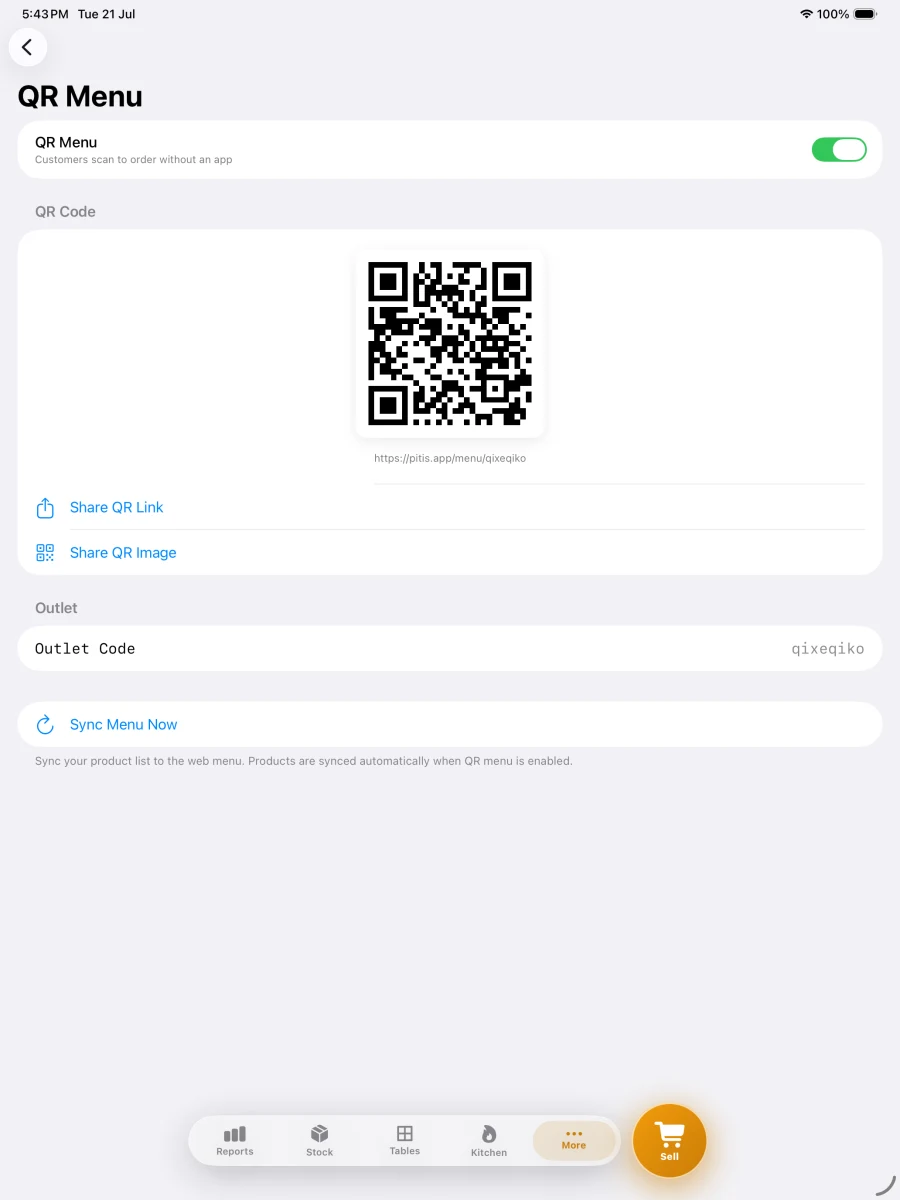
Pitis POS running on iPad — QR Self-Order
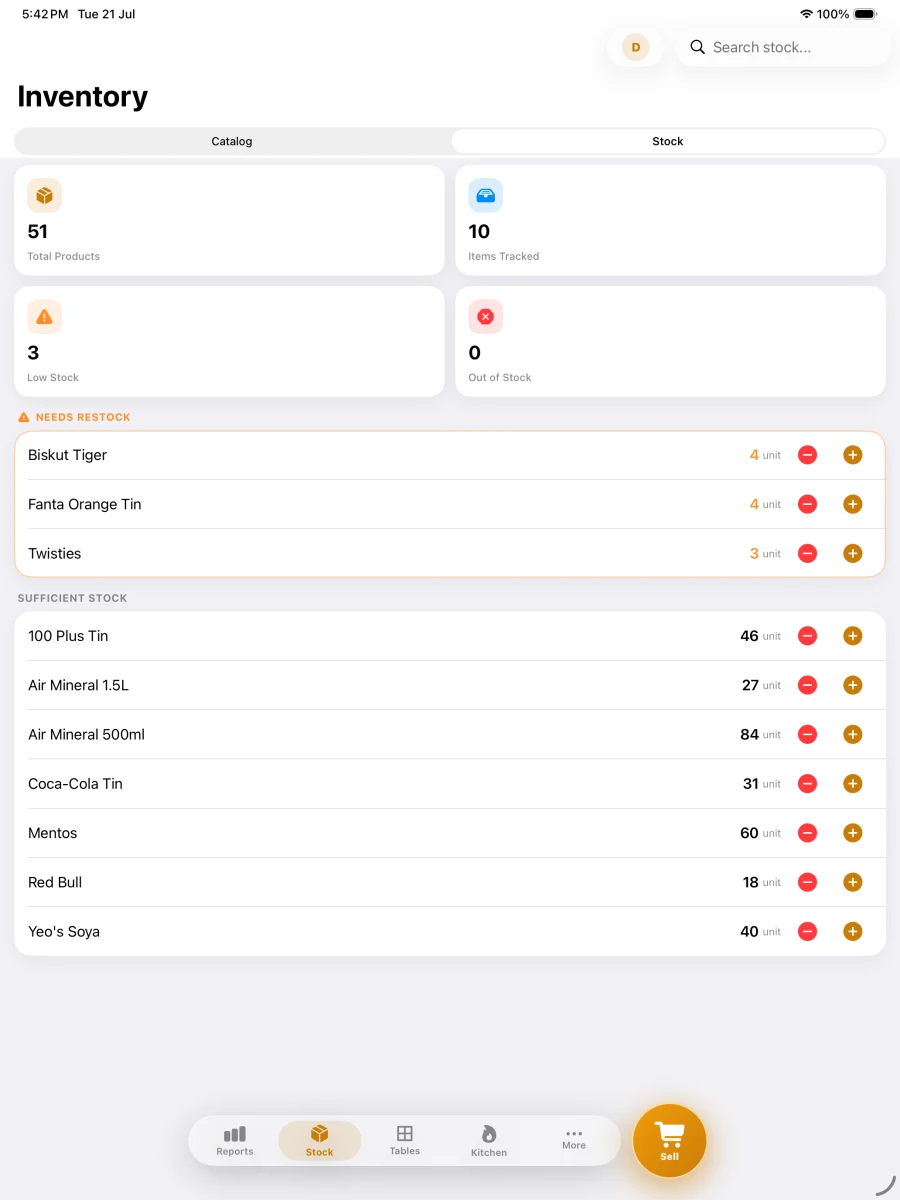
Pitis POS running on iPad — Stock Control
Pitis POS running on iPad — Sales Reports
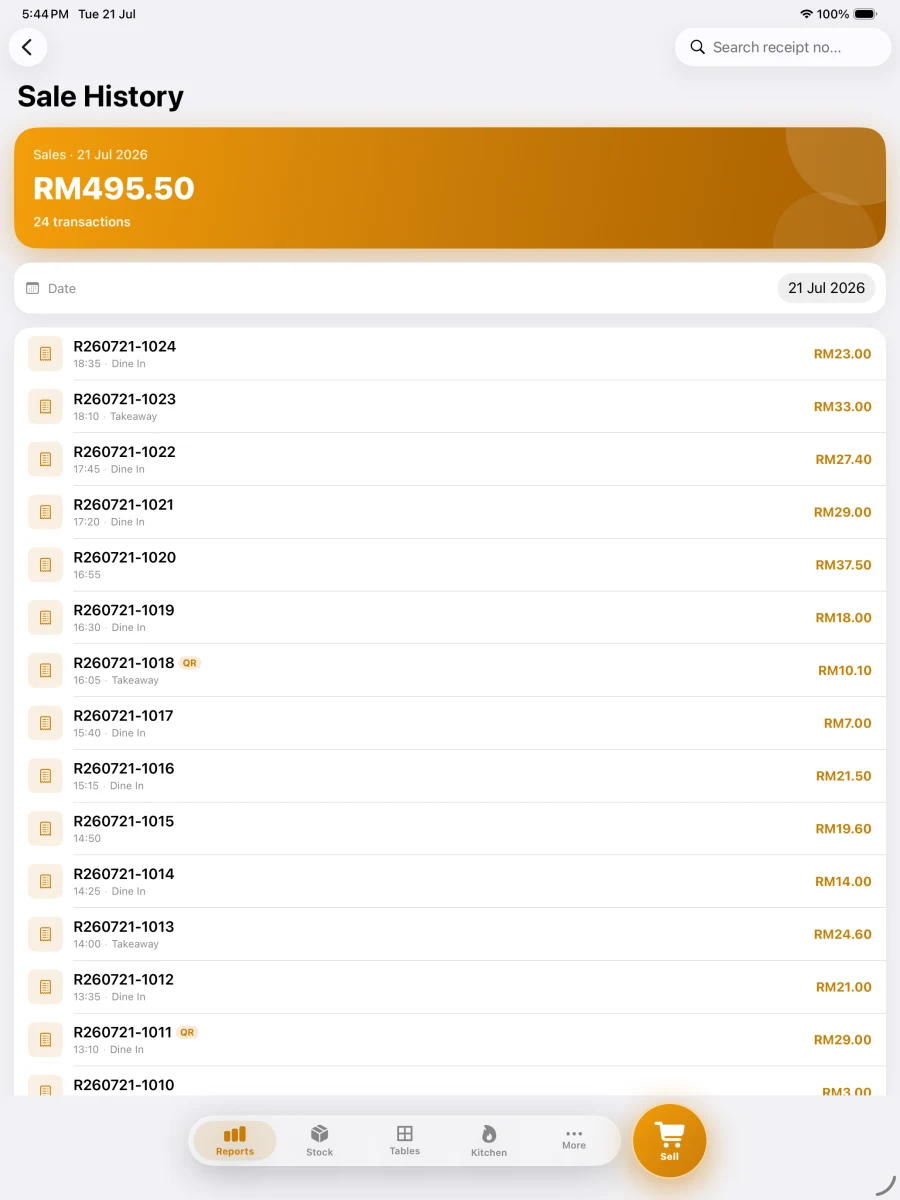
Pitis POS running on iPad — Sales History
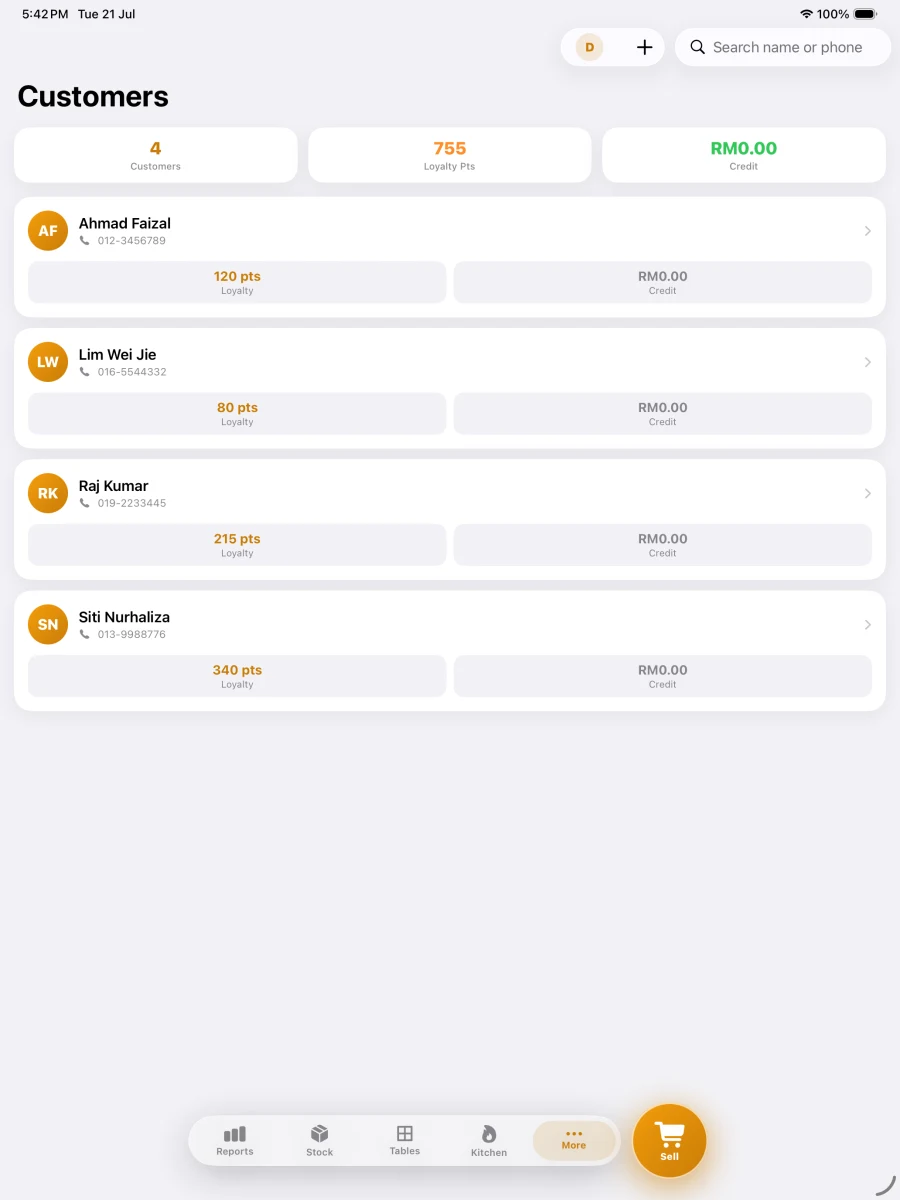
Pitis POS running on iPad — Customers & Loyalty
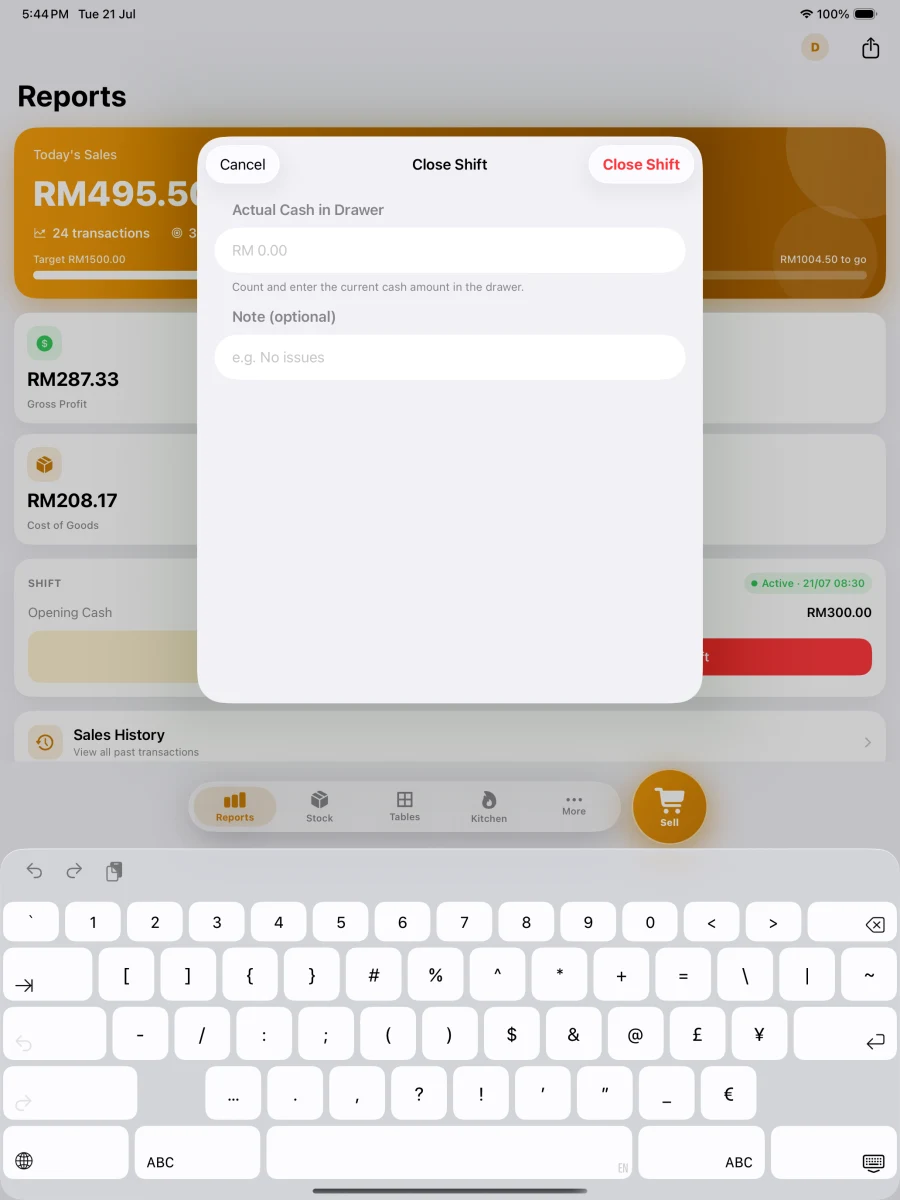
Pitis POS running on iPad — Close Shift
POS & Menu1 / 10

What works without internet — and what needs it.

Selling never depends on your connection. A few extras do. Here is the honest split.

Works with no internet

  • Selling — dine-in, takeaway, walk-in
  • Recording cash, card and DuitNow QR payments
  • Printing receipts on a Bluetooth thermal printer
  • Products, prices, categories and photos
  • Stock levels and low-stock alerts
  • Tables, hold & recall bills, split payment
  • Kitchen Display on the same device
  • Shifts, X/Z report and sales reports

Needs internet

  • QR Self-Order — customers scanning and ordering
  • Kitchen Display on a second device (live sync)
  • Cloud backup, and restoring onto a new device
  • First sign-in and syncing staff across devices
  • Uploading product photos to the cloud

Lose your connection mid-shift and the POS keeps selling. Pitis only records the payment method — the actual processing and confirmation for card and DuitNow QR happens on your bank terminal or the customer's banking app, which need their own connection at that moment. The online items above resume on their own once you are back.

One app.
Everything you need.
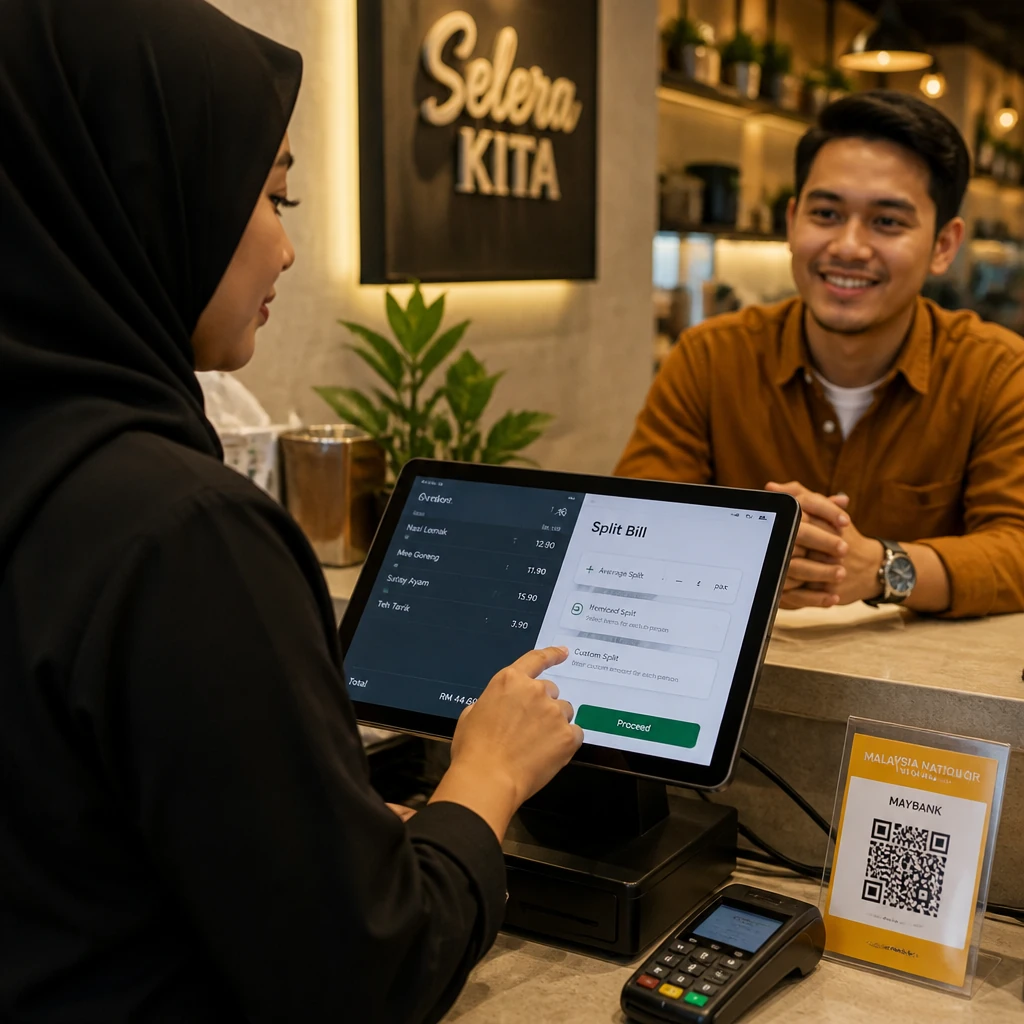
POS System
POS System
Take dine-in or takeaway orders in one clean screen. Split payment, hold & recall bills, and manager price override all built in. Print receipt — done in seconds.
Offline Mode
Offline Mode
POS works fully even without internet. Every order and product is saved securely on your device — no connection required to sell or print.
DuitNow QR
DuitNow QR
Accept DuitNow QR at checkout. The customer scans your own DuitNow QR and pays from their banking app — you confirm payment, no card terminal needed.
Product Management
Product Management
Add products with prices, categories, barcodes, and photos. Variants, add-on modifiers, combo sets, and dietary tags (Halal, Vegetarian, Spicy) all supported.
Barcode Scanner
Barcode Scanner
Scan product barcodes with your phone camera or a Bluetooth HID scanner. Product is added to the sale instantly — no typing needed.
Staff & PIN Login
Staff & PIN Login
Four roles: Owner (full access), Manager, Cashier, and Kitchen/Dapur (KDS only — cannot access POS or reports). Each login protected by a 4-digit PIN.
Shift Management
Shift Management
Open and close shifts with cash float recording. X Report for mid-shift summary, Z Report at end of day. Full cash reconciliation built-in.
Table Management
Table Management
Visual table grid for dine-in. Assign orders to tables, hold and recall bills, and track which tables are occupied at a glance.
Kitchen Display (KDS)
Mount a tablet in the kitchen and all orders appear automatically. Status updates realtime — New to Preparing to Ready. No paper slips.
Sales Dashboard
Sales Dashboard
Monitor today's sales, weekly, and monthly in one view. Daily chart helps you identify peak hours and top-selling products.
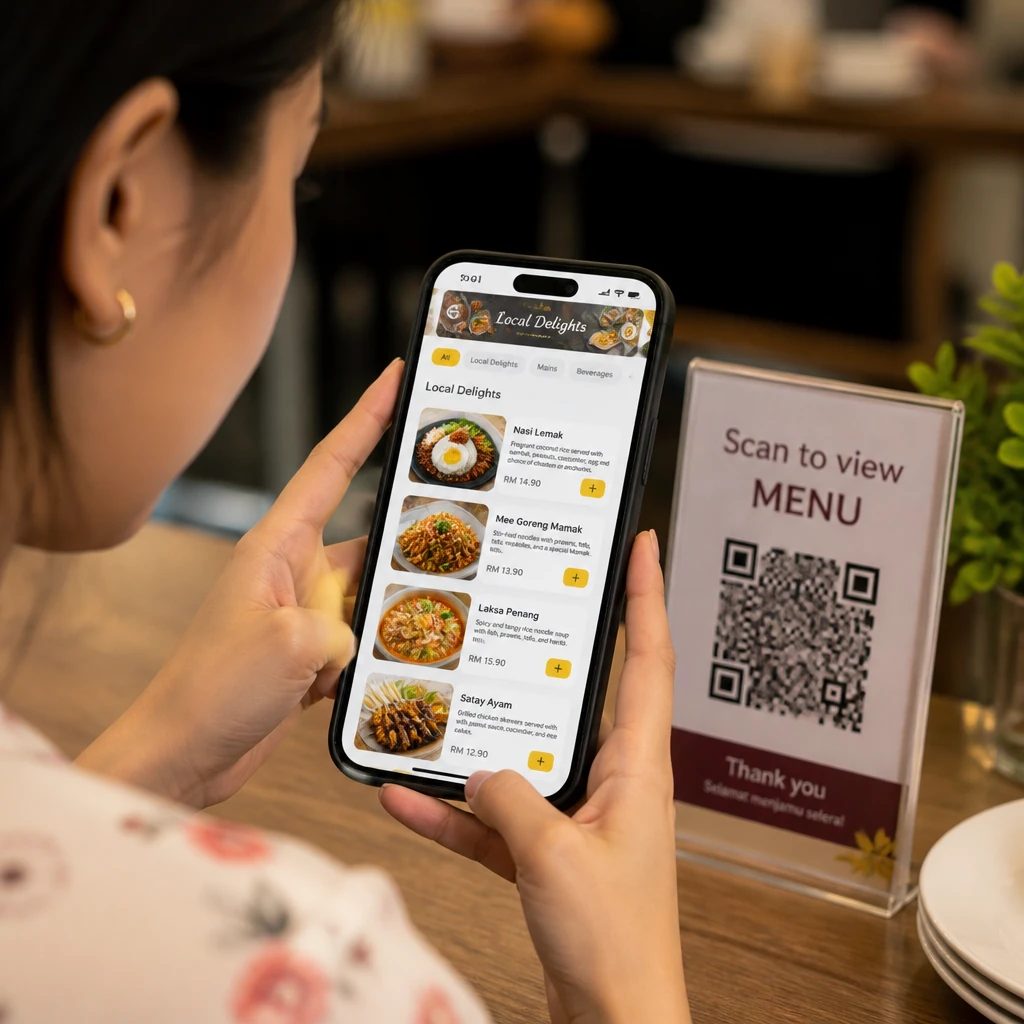
QR Self-Order
QR Self-Order
Print a QR code for each table. Customers scan and order from their own phone — no app needed. Orders appear in the kitchen automatically. Cashier collects payment at counter.
Promo Codes
Promo Codes
Create % or fixed-RM promo codes. Set usage limits, expiry dates, and minimum order values. Cashier enters code at checkout — system calculates automatically.
Sales Reports
Sales Reports
Daily, weekly, monthly, and yearly analytics. Identify top products and peak hours. Export directly to CSV for further analysis.
Customers & Loyalty
Customers & Loyalty
Save customer names, phone numbers, and order history. Built-in loyalty points reward repeat customers — set your own earn and redeem rates.
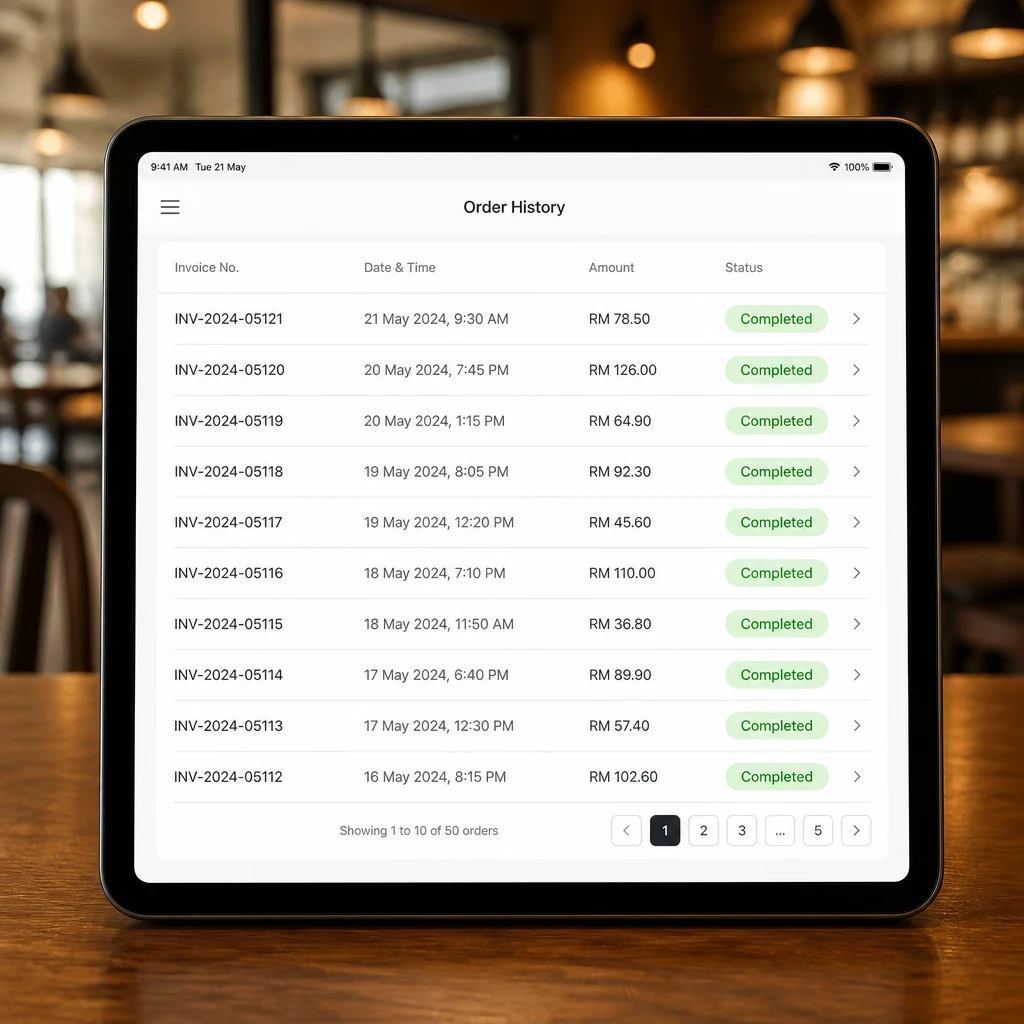
Sale History
Sale History
All transactions stored and searchable anytime. Void receipts easily if needed. Full history with PDF export and CSV share.
Swipe for more

Start in 3 steps.

No courses. No paid setup. Download and start selling.

1
Download from App Store or Google Play
Get Pitis POS on your iPhone, iPad, or Android phone or tablet. Free to download — sign up with your email and you're ready to go. No credit card needed.
2
Set up your products & outlet
Add products, categories, and prices. Connect a Bluetooth thermal printer if you have one — then you're ready to accept cash and DuitNow QR.
3
Start selling today
Open the POS screen, take orders, collect payments, print receipts — all in one app. Works offline from day one.

Free during Beta.

All features included. No limits. No credit card required.

Beta — Early Access
Free for everything, for everyone.
No locked features. No device limits. No hidden charges. Full access to every feature while we're in beta.
POS Dine-in & Takeaway
Kitchen Display (KDS)
Sales Reports & CSV
Offline Mode
QR Self-Order
Service Charge Auto
Cloud Backup
Bluetooth Thermal Printer
During Beta
RM 0
All features included
No transaction limit. No device limit. No sales cap. 100% free.

Free during beta • No credit card • Download & start today

Common questions.

How much does Pitis POS cost?
Free during beta — all features, no limits, no credit card required. If we introduce pricing later, we'll give you plenty of notice first.
Does it work without internet?
Yes. Pitis POS is built offline-first — every order, product, and setting is saved securely on your device. You can sell and print receipts with no internet connection at all.
Does it support Bluetooth thermal printers?
Yes. Pitis speaks the ESC/POS protocol over Bluetooth (58mm and 80mm) — look for a printer labelled "ESC/POS Bluetooth". Scan for nearby printers from the app. Cash drawer opening is also supported.
Are receipts LHDN-compliant?
Yes. All receipts include TIN, SSM number, business name, address, and MSIC code — formatted to meet LHDN e-Invoice field requirements. You submit to MyInvois yourself.
View all FAQs

Now on App Store & Google Play.

Start selling today.

Download Pitis POS on your iPhone, iPad, or Android device and set up in 5 to 15 minutes. Free during beta — no limits, no credit card.